Too Many Doors? Here Is How to Design a Room That Is More Doorway Than Wall
When every wall has a door, closet, or opening, furniture placement feels impossible. These strategies reclaim usable space without blocking traffic flow.
What is Room With Too Many Doors: Design Solutions?
When every wall has a door, closet, or opening, furniture placement feels impossible. These strategies reclaim usable space without blocking traffic flow.
See the Transformation
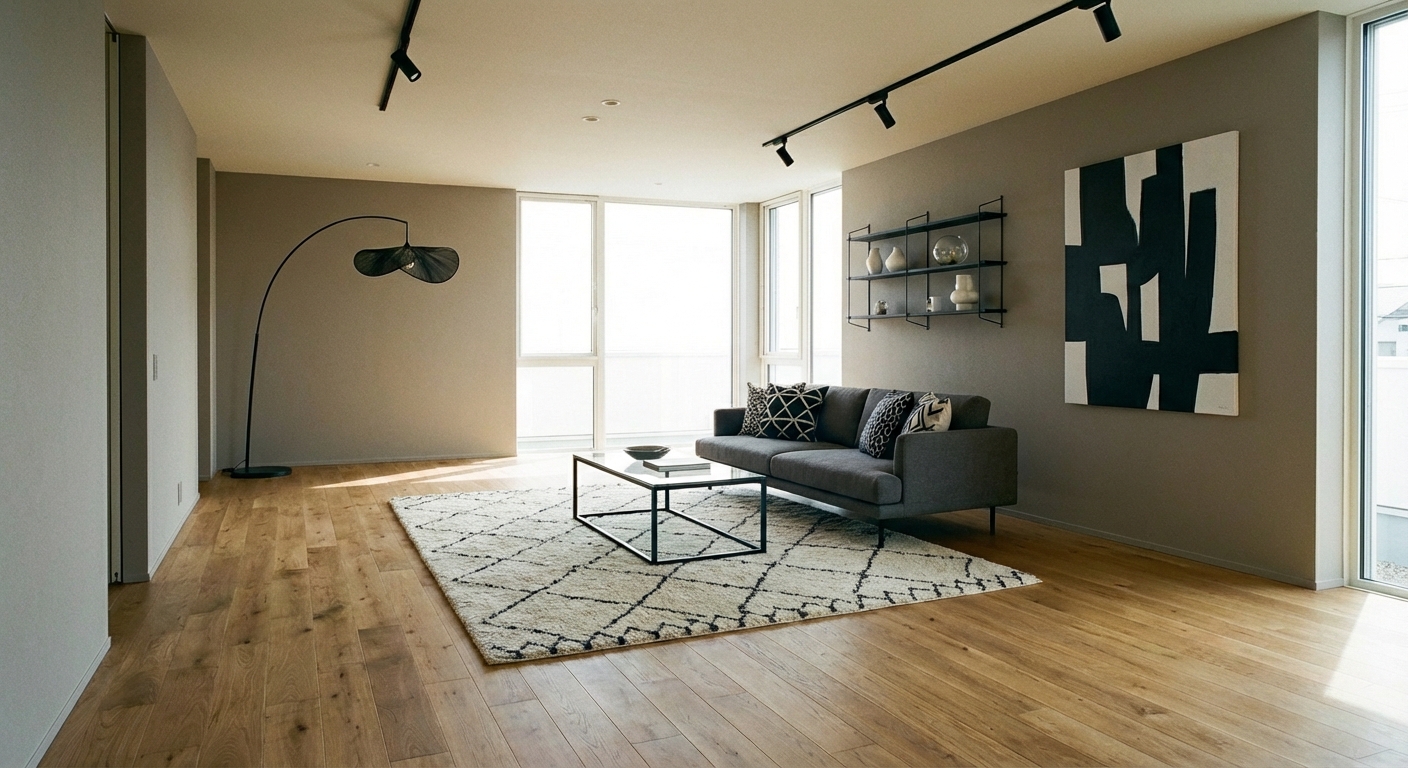
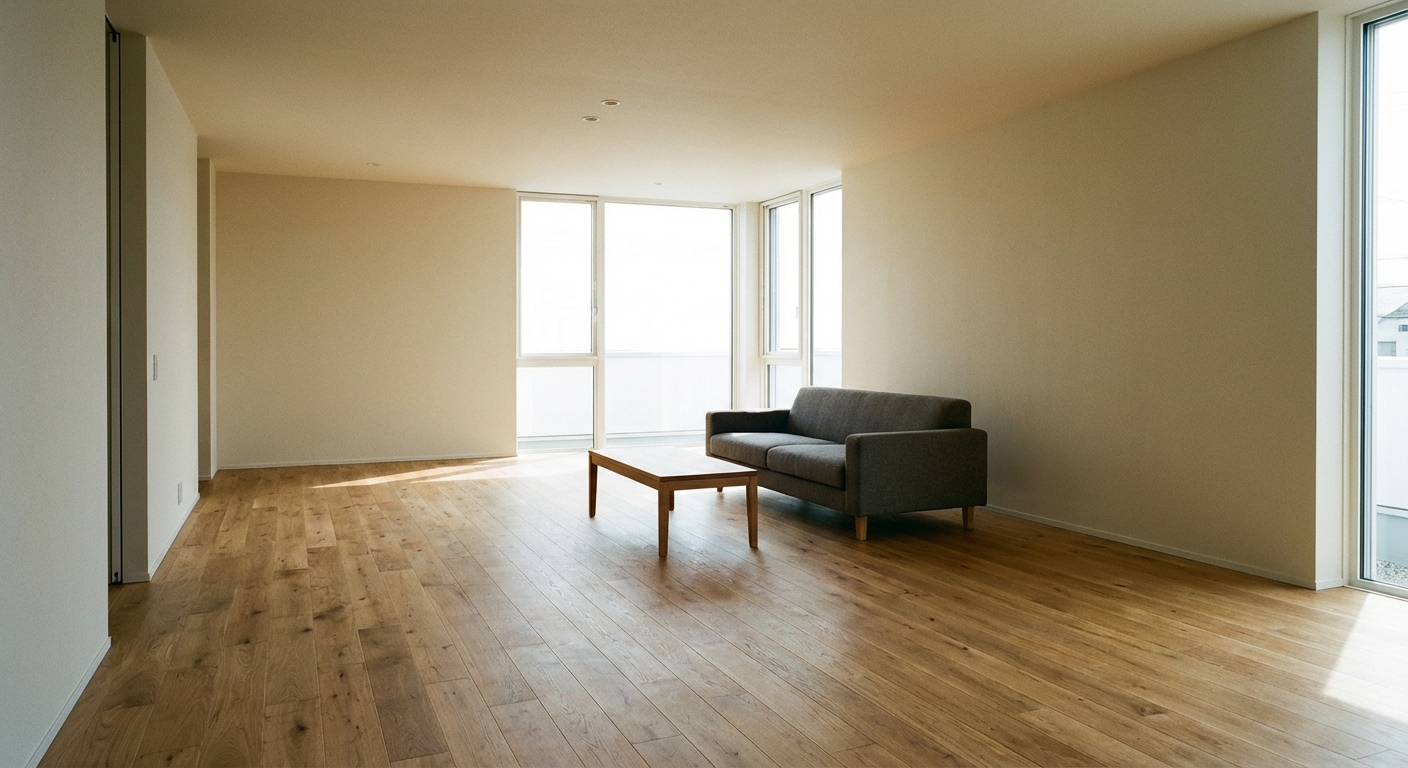
Upload your room photo in the app to see your real transformation
Why It Works
Rooms with three or more doorways, closets, or pass-throughs lose the continuous wall space that standard furniture arrangements depend on. A sofa needs a wall behind it, a bookcase needs a wall to stand against, and art needs a wall to hang on. When doors consume every wall, these basics become impossible with conventional thinking. The solution is shifting to a center-oriented layout: floating furniture away from walls, using the middle of the room as the anchor, and treating the perimeter as a traffic corridor rather than a furniture zone. This approach works because it respects the traffic flow that multiple doors create while clustering usable space in the room center.
How to Achieve This Look
Float the primary furniture group in the center of the room. A sofa facing away from the main entry, with a console table behind it, creates a visual back wall where none exists. Use a large area rug to define the central zone and signal that the furniture cluster is intentional, not stranded. Keep pathways between furniture and doors clear — 36 inches minimum for comfortable passage. Replace large wall furniture (tall bookcases, wide credenzas) with low-profile pieces that fit between door frames: narrow consoles, small floating shelves, and wall-mounted storage that uses the vertical space above door height. Consider removing unnecessary doors — a closet door, a hall door that is always open — to reclaim wall space.
Rooms with multiple doors require creative spatial problem-solving. Intero AI lets you preview floating furniture layouts and center-oriented arrangements in your specific room, showing how traffic flows around the furniture cluster without blocking any doorway.
"Finally an app that understands my taste. Every room turned out perfect."
— Priya K.
Frequently Asked Questions
Q1 How do I place a sofa in a room with too many doors?
Float it in the center of the room, facing the focal point (TV, window, or fireplace). Place a console table behind the sofa to anchor it visually. Avoid pushing the sofa against the only remaining wall — floating creates better flow and makes the room feel larger.
Q2 Can I remove interior doors to gain wall space?
Yes — closet doors and interior passage doors that are always open are excellent candidates for removal. Replace closet doors with a curtain rod and fabric panel for a softer look that does not swing into the room. Cased openings (removing the door but keeping the frame) reclaim the door swing space.
Q3 What furniture works best in rooms with limited wall space?
Floating furniture (pieces designed to be seen from all sides), round tables, backless benches, and wall-mounted shelving that fits between door frames. Avoid deep bookcases and wide dressers that require uninterrupted wall runs.
Related searches
These are the next pages people usually open while narrowing this design direction.
You Might Also Like
Ready to Transform Your Room?
Download Intero and see this design in your space in seconds.
No credit card. No signup. Just results.