How to Design a Home Office Engineered for Productivity
A great home office is not about aesthetics alone — it is about ergonomics, lighting, acoustics, and visual calm. Get all four right and your focus will follow.
What is How to Design a Home Office That Works?
A great home office is not about aesthetics alone — it is about ergonomics, lighting, acoustics, and visual calm. Get all four right and your focus will follow.
2/4
See the Transformation
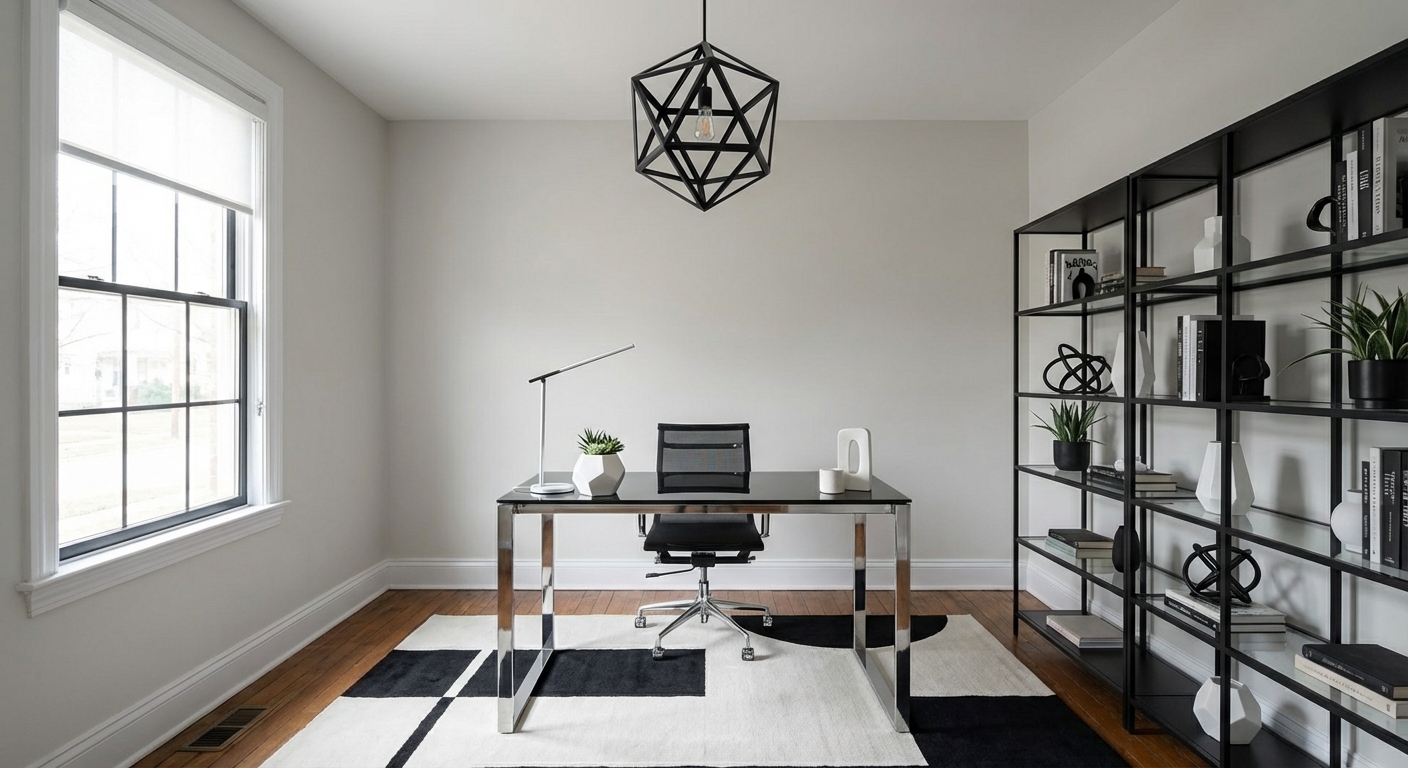
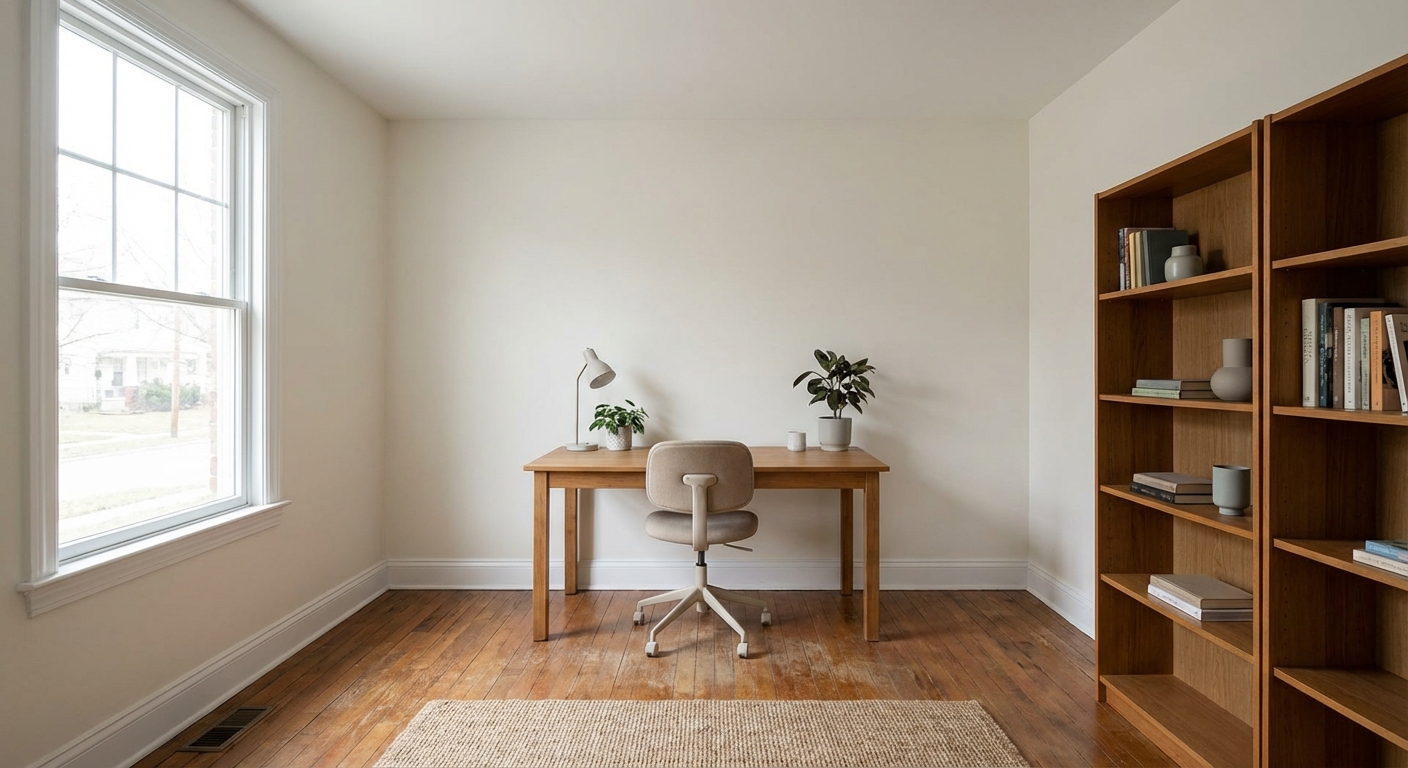
Upload your room photo in the app to see your real transformation
Color Palette
Click any color to copy hex code
Why It Works
Effective home offices work because they address the four pillars of workspace design: ergonomics (proper desk height, monitor distance, chair support), lighting (layered natural and task lighting to reduce eye strain), acoustics (sound absorption to minimize distractions), and visual environment (clean sightlines that reduce cognitive load). When all four are optimized, focus improves naturally without requiring willpower to overcome environmental friction.
Best for
- people ready to test options on a real photo before buying
- anyone planning a real home office where camera background, desk depth, and cable discipline matter more than Pinterest perfection
- projects already thinking about desk, lighting, cabinets and needing a coherent layout
Skip if
- you will not address camera background and only want a filter look
- you refuse to remove anything and only add decor
Common mistakes
In a home office, “how” fails when you shopping object-by-object with no envelope decision. Details like desk, lighting, cabinets only work if the plan respects camera background, desk depth, and cable discipline. Another miss: a beautiful desk with the router spaghetti in every video call.
Decide this first
frame what the camera sees and plan power before furniture shopping. Lock a coherent material story instead of random catalog picks as a short list, then use Intero on a real photo so scale and light are honest before you spend.
How to Achieve This Look
- 1
Choose a location with natural light and minimal distractions
- 2
Invest in an ergonomic chair and properly sized desk
- 3
Set up your monitor at eye level with the window to the side
- 4
Add sound absorption through rugs, curtains, or panels
- 5
Organize cables and supplies for a clean workspace
- 6
Personalize with art and plants that motivate you
Layout & materials
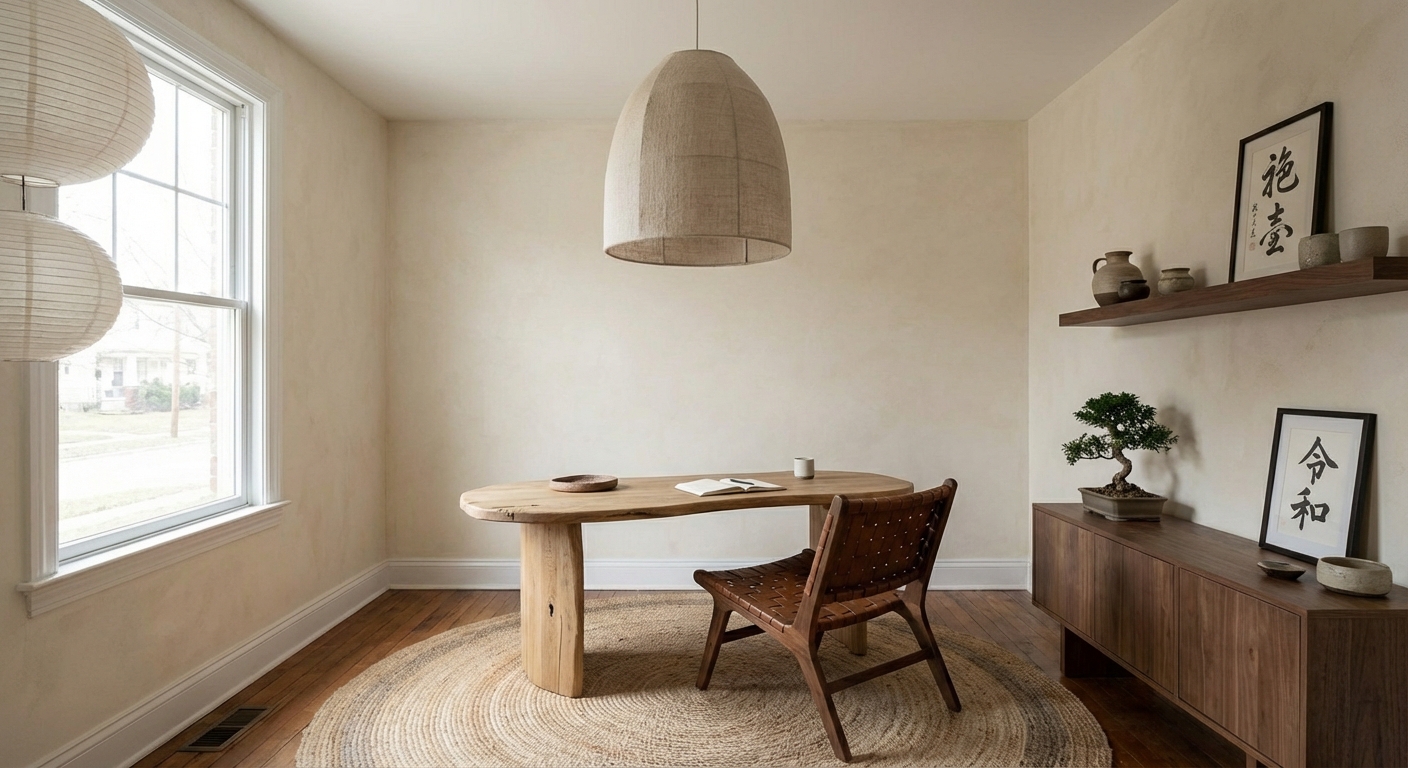
Position your desk perpendicular to a window for natural sidelight that reduces screen glare. Choose a chair with adjustable height, lumbar support, and armrests — this is the single most important investment. Set your monitor at arm length with the top at eye level. Add a desk lamp with adjustable color temperature for task lighting. Use closed storage (drawers, cabinets) over open shelving to reduce visual clutter. Add a plant for air quality and visual softness. If noise is an issue, add a bookshelf filled with books (natural sound absorption) or a small rug.
Position your desk so natural light comes from the side, not behind the screen — it reduces glare and eye strain.
Intero helps you visualize the optimal home office layout for your specific room. Upload a photo and test different desk positions, shelving configurations, and design styles to create a workspace that is both productive and inspiring.
Frequently Asked Questions
Q1 Where should I place my desk in a home office?
Perpendicular to a window is ideal — you get natural light without screen glare. Avoid placing the desk directly facing a window (too much glare) or with your back to a door (psychologically uncomfortable for most people).
Q2 What is the most important home office purchase?
An ergonomic chair. You will spend more hours in your office chair than any other piece of furniture. A quality ergonomic chair ($500-$1,200) prevents back pain and improves focus. The desk is secondary — even a simple table works if the chair is right.
Q3 How do I reduce distractions in a home office?
Use closed storage to eliminate visual clutter, face your desk toward a wall rather than a busy room, add soft materials (rug, curtains, bookshelf) for sound absorption, and keep only work-related items in the office.
Related searches
These are the next pages people usually open while narrowing this design direction.
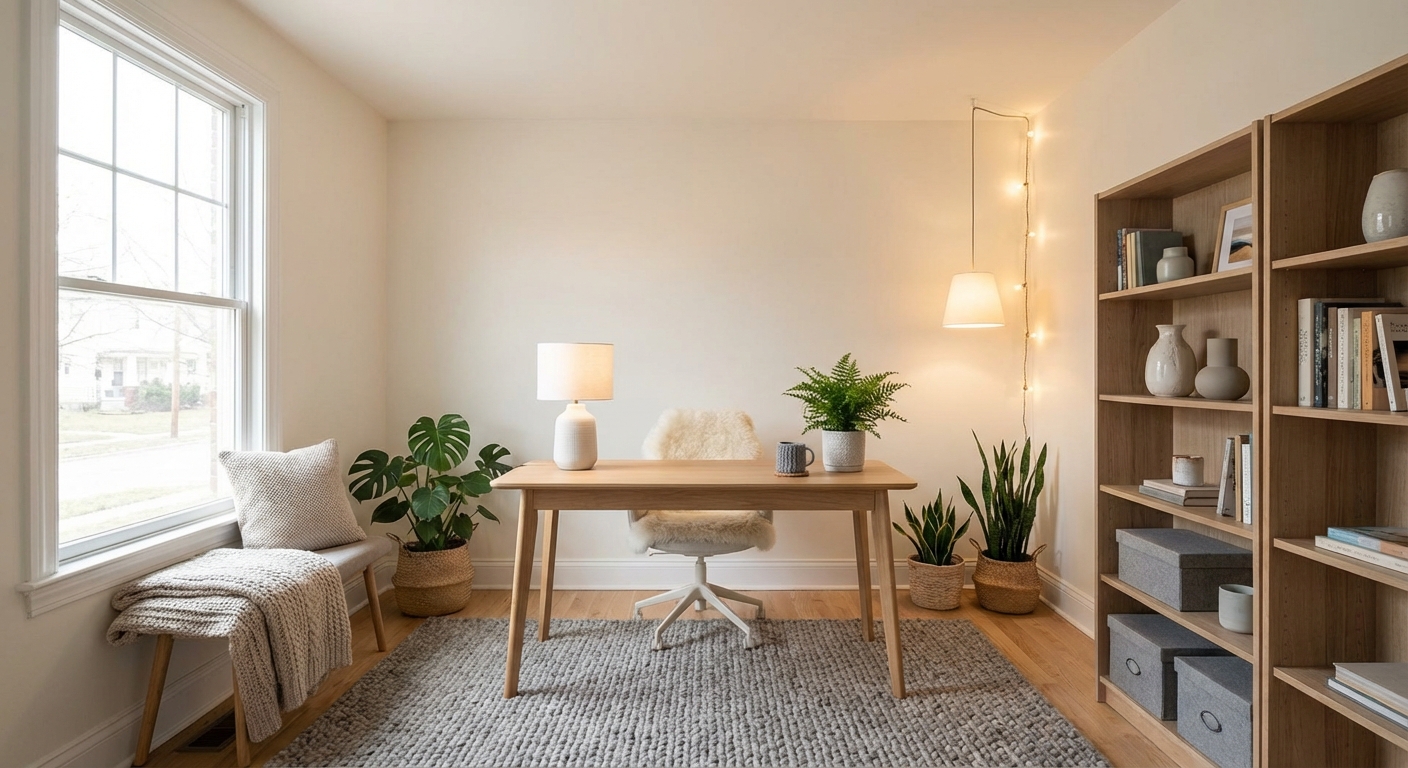
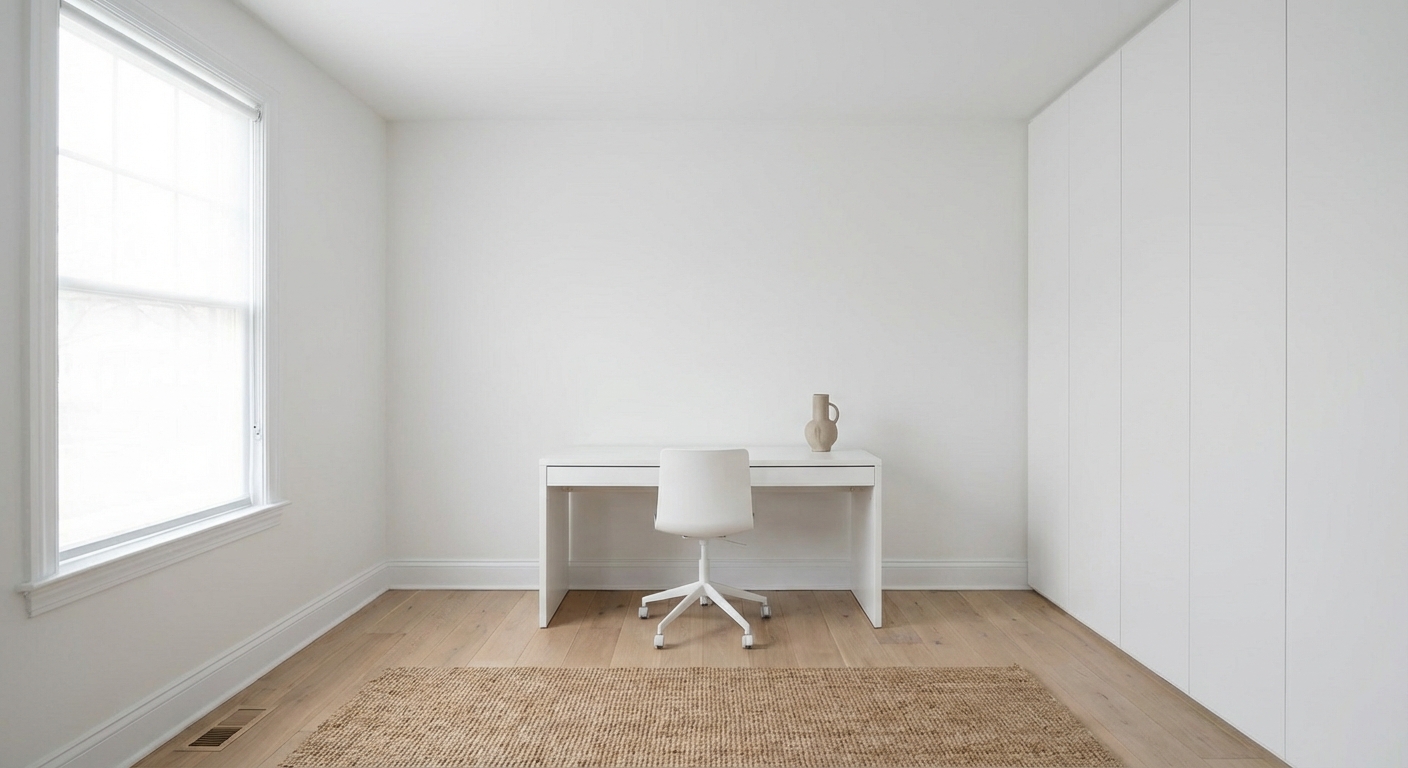
Ready to See This Style in Your Room?
Download Intero and preview this design on your own room photo.
No credit card. No signup. Just results.
Scan to download
Point your phone camera at a code

