How to Design a Pantry That Makes Cooking Easier and Waste Disappear
A well-organized pantry eliminates duplicate purchases, reduces food waste, and cuts meal prep time in half. The secret is zones, visibility, and the right containers.
What is How to Design and Organize a Pantry?
A well-organized pantry eliminates duplicate purchases, reduces food waste, and cuts meal prep time in half. The secret is zones, visibility, and the right containers.
See the Transformation
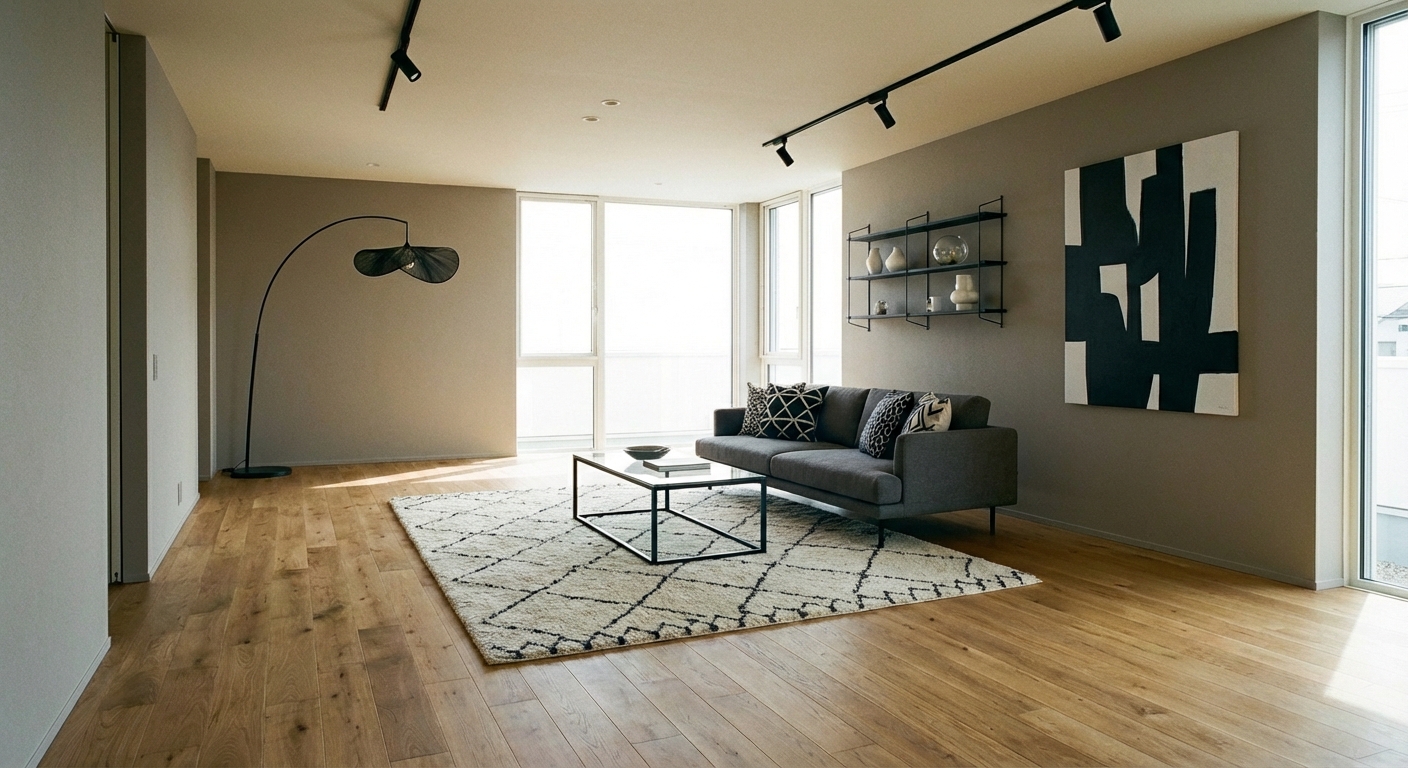
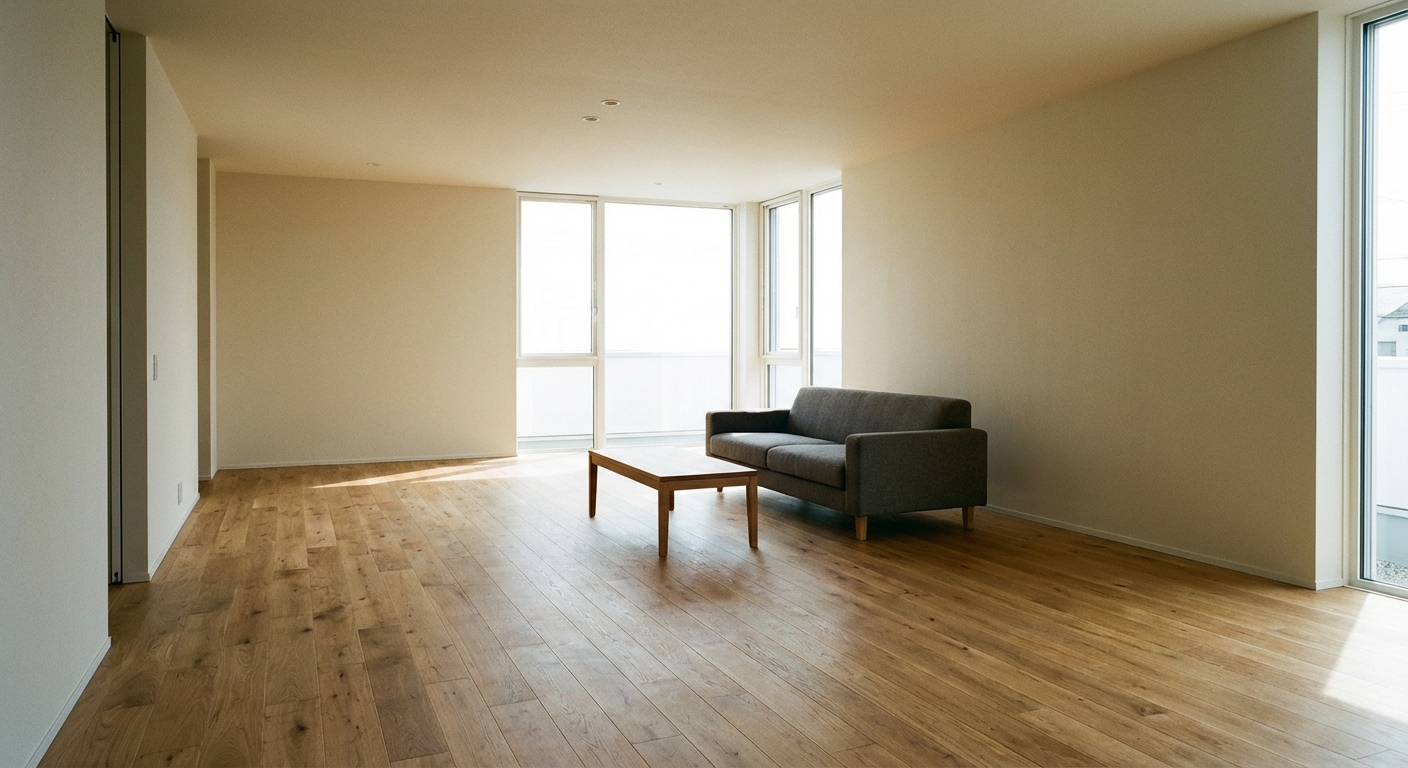
Upload your room photo in the app to see your real transformation
Why It Works
Pantry organization follows the FIFO principle used in professional kitchens: first in, first out. When every item is visible and accessible, you use what you have instead of buying duplicates. Zone-based organization — baking in one area, canned goods in another, snacks in a third — mirrors how you actually cook and shop, reducing the mental load of meal preparation. Clear containers replace opaque packaging, giving you instant inventory visibility. The result is less food waste, fewer impulse purchases, and faster meal prep because you always know what you have.
Best for
- people ready to test options on a real photo before buying
- anyone planning a real living room where conversation distance, TV glare, and traffic past the sofa matter more than Pinterest perfection
- projects that will change layout and light, not only accessories
Skip if
- you will not address conversation distance and only want a filter look
- you refuse to remove anything and only add decor
Common mistakes
People pin how living room ideas and then shopping object-by-object with no envelope decision. Respect conversation distance, TV glare, and traffic past the sofa before finishes. Another miss: pushing every seat against the walls and calling the empty middle “open”.
Decide this first
fix the primary seating pair and one clear path before decorative chairs. Lock a coherent material story instead of random catalog picks as a short list, then use Intero on a real photo so scale and light are honest before you spend.
How to Achieve This Look
Start by emptying the pantry completely and discarding expired items. Group everything by category: baking supplies, canned goods, grains and pasta, snacks, breakfast items, oils and condiments. Assign each category a zone — eye level for daily items, lower shelves for heavy items like canned goods, upper shelves for infrequently used items. Transfer dry goods (flour, sugar, rice, pasta, cereal) to clear, airtight containers with labels. Use shelf risers to create two visible levels within each shelf. Add a lazy Susan for oils and condiments. Mount a door-mounted rack for spices and small packets. Leave the front of each shelf clear so new groceries go behind existing items.
Intero AI helps you visualize different pantry layouts and organization systems for your specific space. Upload a photo and preview how clear containers, zone-based shelving, and door-mounted storage transform your pantry from chaotic to functional.
Frequently Asked Questions
Q1 Are clear containers actually worth it for a pantry?
Yes — they are the single most impactful pantry upgrade. Clear containers provide instant visual inventory (no digging through bags), keep food fresher longer (airtight seals), stack uniformly (maximizing shelf space), and make the pantry look dramatically more organized.
Q2 How do I organize a small pantry?
Maximize vertical space with shelf risers and stackable containers. Use the door for shallow rack storage (spices, small items). Group items by frequency of use — daily items at eye level, occasional items high or low. A lazy Susan in corners makes deep shelves accessible.
Q3 How often should I reorganize my pantry?
Do a quick maintenance pass monthly — check expiration dates, wipe shelves, and restock containers. A full deep-clean and reorganization every three to four months keeps the system functional. The initial setup is the hardest part; maintenance is quick once zones are established.
Related searches
These are the next pages people usually open while narrowing this design direction.

Ready to See This Style in Your Room?
Download Intero and preview this design on your own room photo.
No credit card. No signup. Just results.
Scan to download
Point your phone camera at a code

