How to Make Every Square Foot Count
Small spaces demand smarter design, not bigger budgets. These strategies help you maximize function, storage, and perceived space in any compact room.
What is How to Maximize a Small Space?
Small spaces demand smarter design, not bigger budgets. These strategies help you maximize function, storage, and perceived space in any compact room.
1/4
See the Transformation
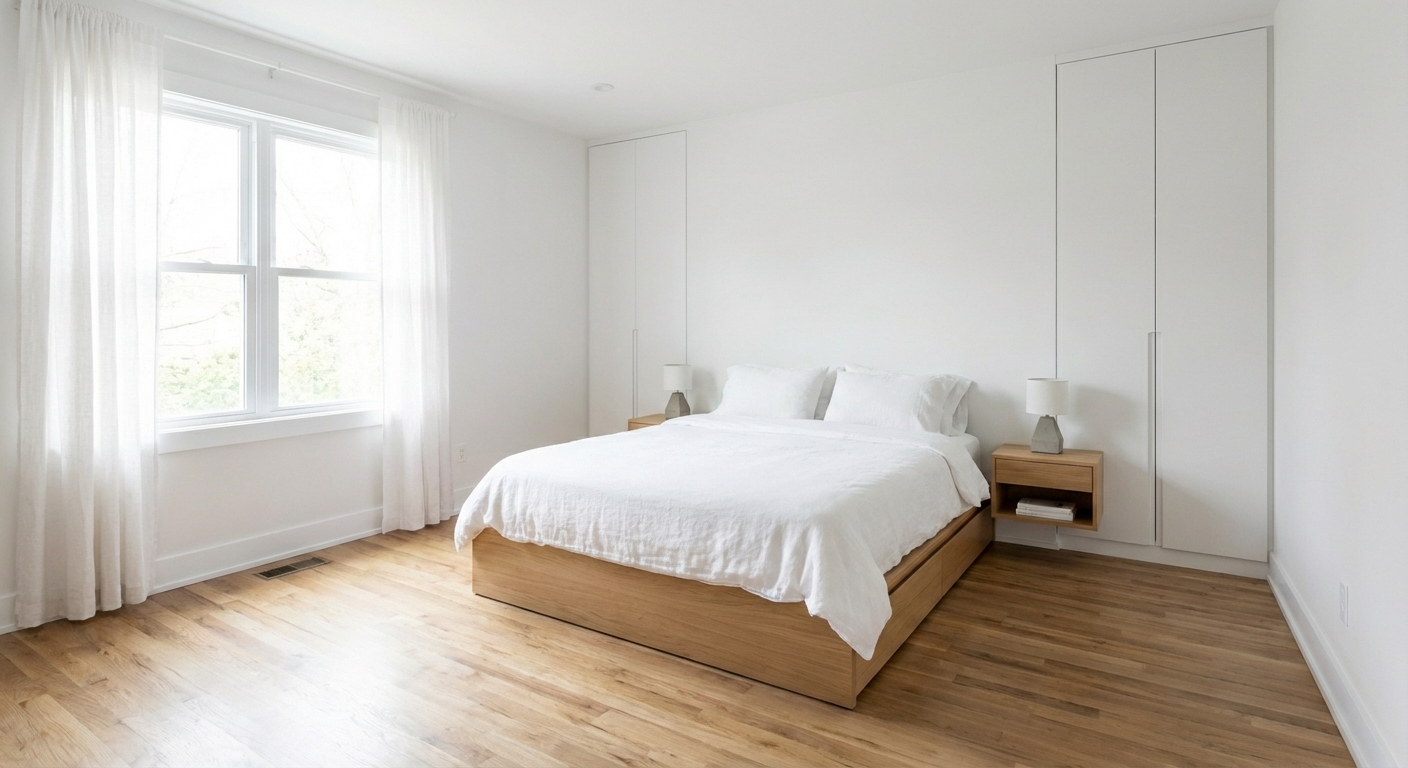
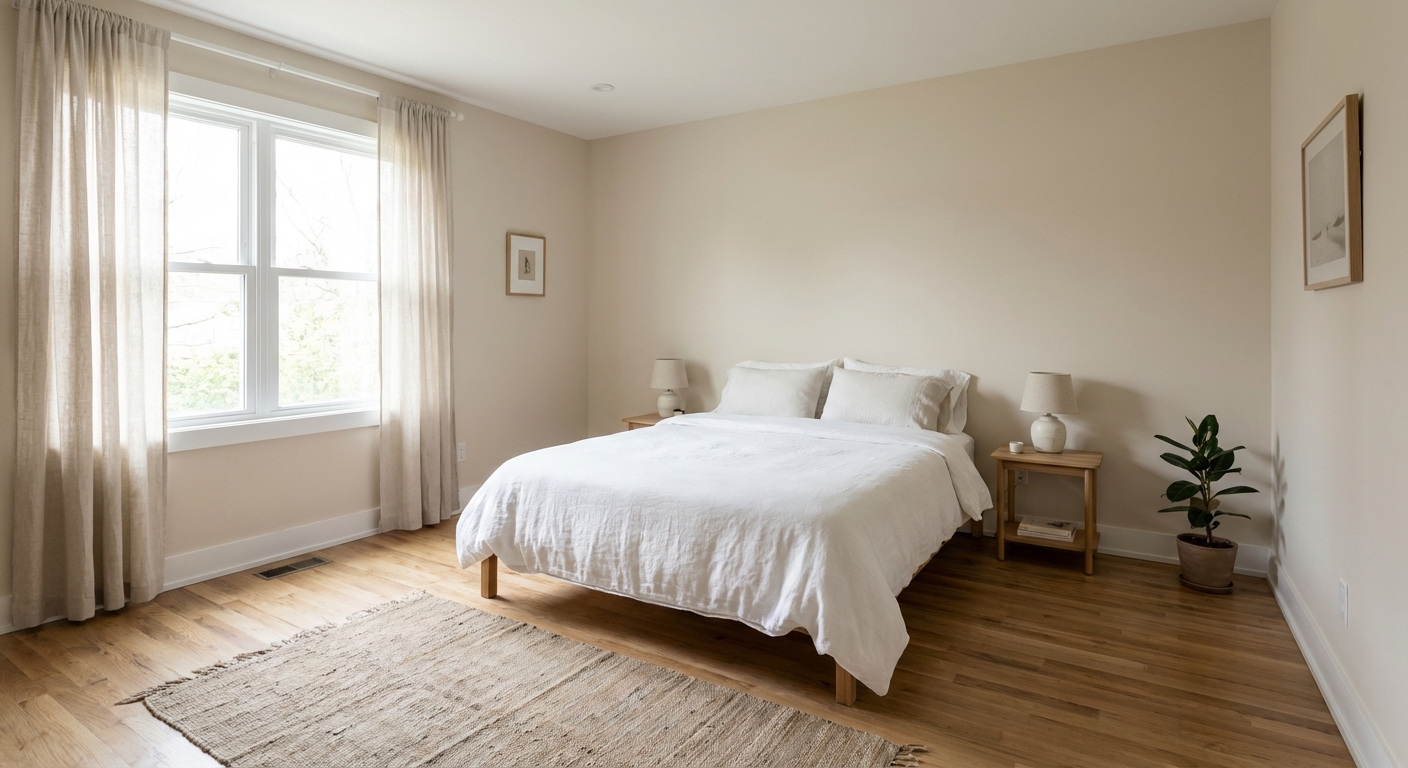
Upload your room photo in the app to see your real transformation
Color Palette
Click any color to copy hex code
Why It Works
Small space maximization works on two levels: physical function and perceptual expansion. Physically, multi-functional furniture and vertical storage increase the usable square footage without adding area. Perceptually, design tricks — continuous flooring, mirrors, light colors, and furniture with exposed legs — make the brain perceive more space than exists. The combination of both approaches can make a 500-square-foot apartment feel like 800.
Best for
- people ready to test options on a real photo before buying
- anyone planning a real living room where conversation distance, TV glare, and traffic past the sofa matter more than Pinterest perfection
- projects already thinking about sofa, bed, curtains and needing a coherent layout
Skip if
- you will not address conversation distance and only want a filter look
- you refuse to remove anything and only add decor
Common mistakes
The usual how living room miss is shopping object-by-object with no envelope decision. Details like sofa, bed, curtains only work if the plan respects conversation distance, TV glare, and traffic past the sofa. Another miss: pushing every seat against the walls and calling the empty middle “open”.
Decide this first
fix the primary seating pair and one clear path before decorative chairs. Lock a coherent material story instead of random catalog picks as a short list, then use Intero on a real photo so scale and light are honest before you spend.
How to Achieve This Look
- 1
Measure the room and test bed placement options
- 2
Choose a bed frame with built-in or under-bed storage
- 3
Use light colors on walls, bedding, and curtains
- 4
Install floating shelves instead of a bulky bookcase
- 5
Use the back of the door for hooks or an organizer
- 6
Keep the floor as clear as possible with wall-mounted everything
Layout & materials
Choose furniture that serves double duty: a dining table that folds into a console, a sofa bed for guests, a coffee table with storage. Use vertical space aggressively — floor-to-ceiling bookshelves, hooks on walls, and overhead storage. Keep flooring continuous throughout the space (no material changes at doorways) to make the area feel larger. Use a consistent light color palette throughout. Replace solid room dividers with open shelving or curtains. Choose transparent or reflective surfaces — glass tables, acrylic chairs, mirrors — to maintain visual flow.
Push the bed into a corner and use the freed-up floor space for a nightstand and slim desk.
Intero AI helps you test space-maximizing strategies in your actual room. Upload a photo and preview different furniture arrangements, mirror placements, and storage solutions to find the configuration that makes your small space feel as large as possible.
Frequently Asked Questions
Q1 What is the best layout for a small room?
Keep the center of the room clear for traffic flow and push larger furniture to the walls. Use one multi-functional piece instead of multiple single-purpose items. Avoid blocking windows or doorways with furniture.
Q2 Do mirrors really make a small room feel bigger?
Yes — a large mirror reflects light and creates the illusion of depth, effectively doubling the visual space. Place mirrors opposite windows for maximum effect. Full-length or oversized mirrors work best.
Q3 How do I fit a home office in a small apartment?
Use a wall-mounted fold-down desk, a floating shelf as a desk, or a slim console table against a wall. A closet can be converted into a dedicated office nook with a shelf desk and task lighting.
Related searches
These are the next pages people usually open while narrowing this design direction.
Ready to See This Style in Your Room?
Download Intero and preview this design on your own room photo.
No credit card. No signup. Just results.
Scan to download
Point your phone camera at a code

