Turn Every Awkward Corner Into a Favorite Spot
That empty corner is not wasted space — it is an opportunity. From reading nooks to plant displays, these ideas transform dead space into design highlights.
What is Awkward Corner Ideas: Turn Dead Space Into Design?
That empty corner is not wasted space — it is an opportunity. From reading nooks to plant displays, these ideas transform dead space into design highlights.
2/4
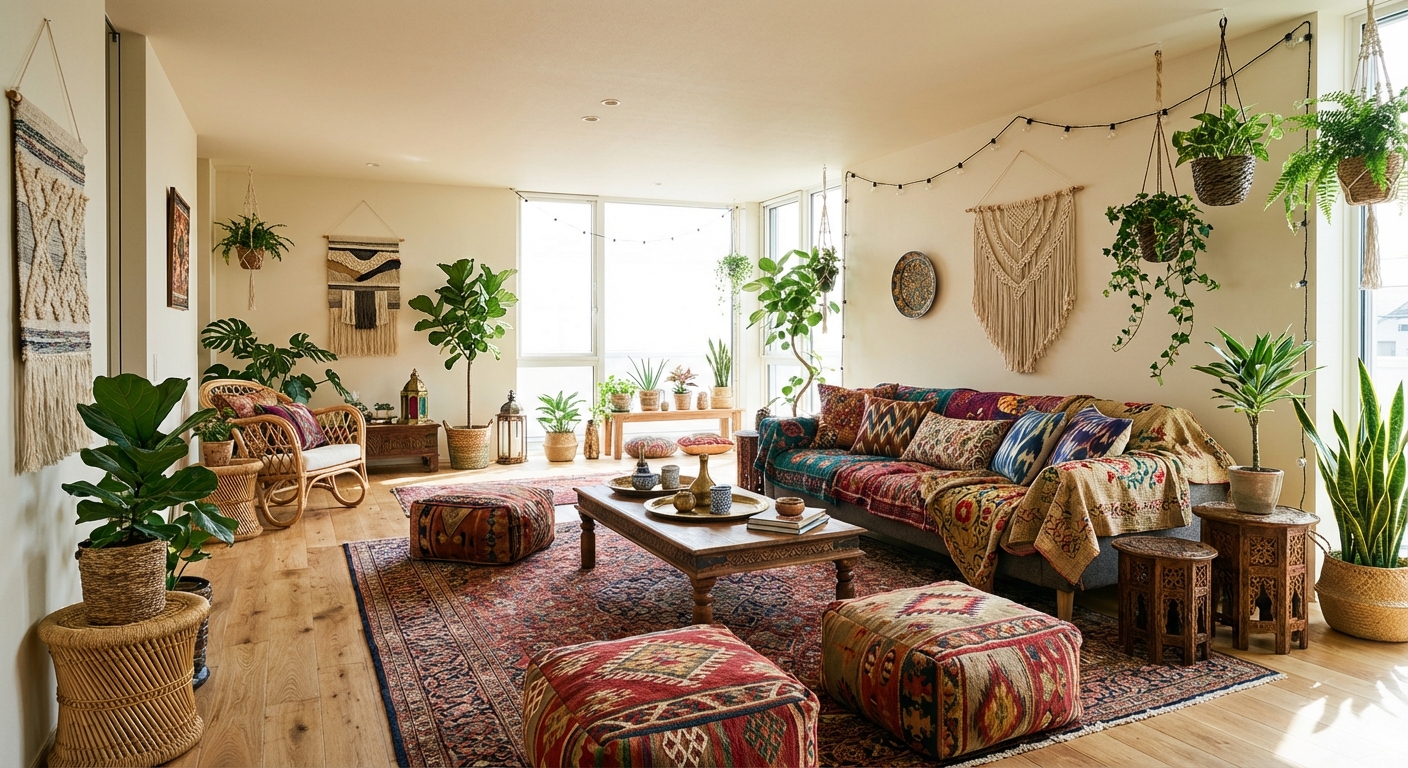
See the Transformation
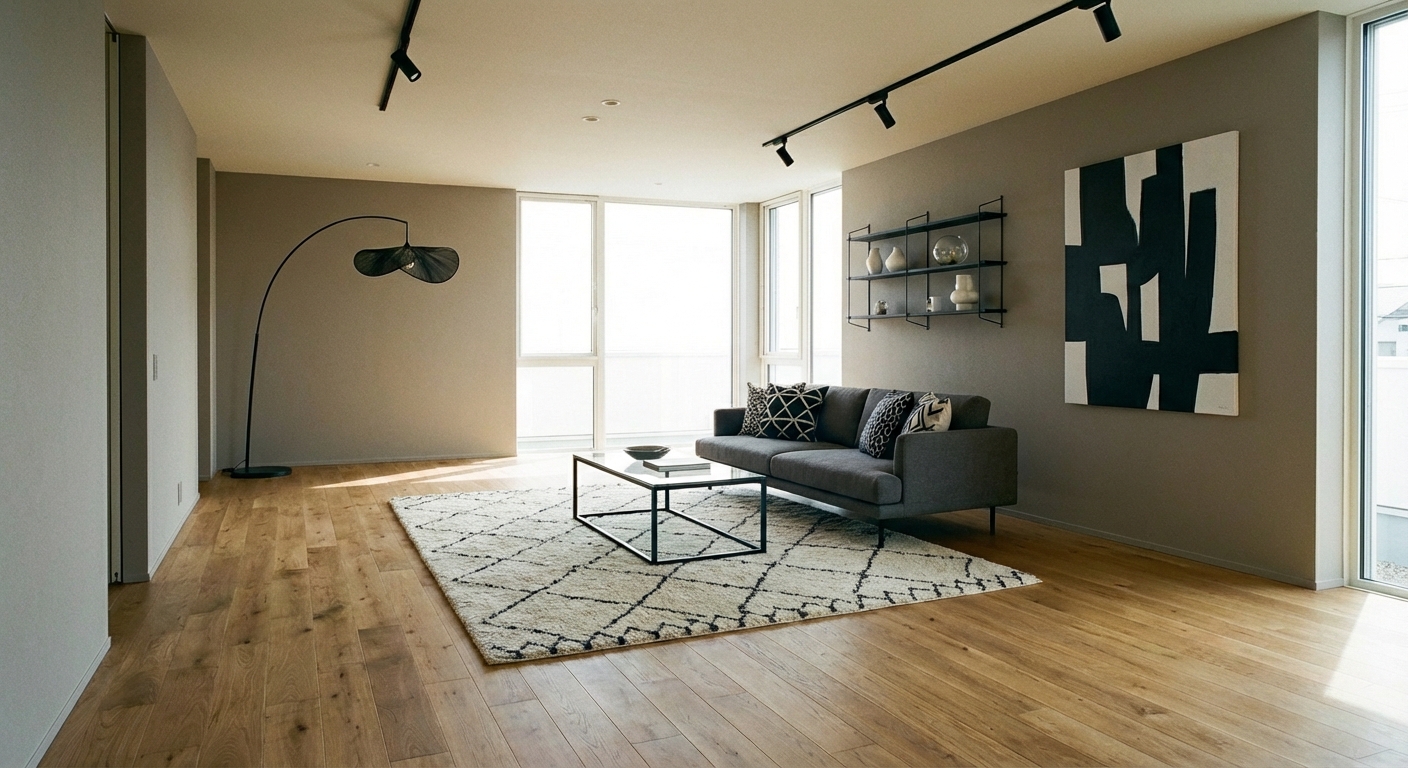
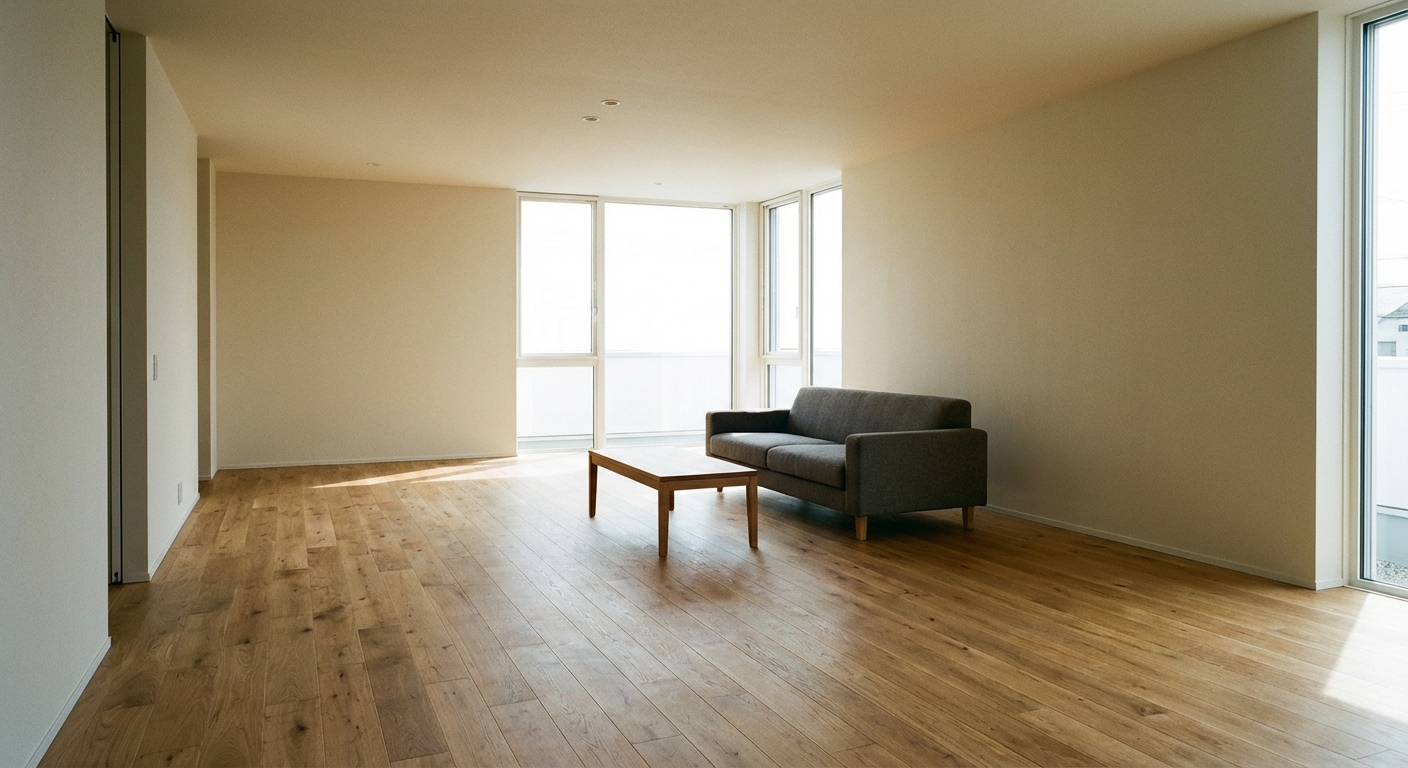
Upload your room photo in the app to see your real transformation
Color Palette
Click any color to copy hex code
Why It Works
Awkward corners create visual dead zones that make a room feel incomplete. Activating them with purpose-built elements completes the room composition and often adds valuable function. A corner reading nook with a comfortable chair and floor lamp creates a destination within the room. A tall plant fills vertical space and adds life. Angled furniture placement softens sharp angles and creates cozy, intimate spots.
Best for
- people ready to test options on a real photo before buying
- anyone planning a real living room where conversation distance, TV glare, and traffic past the sofa matter more than Pinterest perfection
- projects that will change layout and light, not only accessories
Skip if
- you will not address conversation distance and only want a filter look
- you refuse to remove anything and only add decor
Common mistakes
People pin awkward living room ideas and then shopping object-by-object with no envelope decision. Respect conversation distance, TV glare, and traffic past the sofa before finishes. Another miss: pushing every seat against the walls and calling the empty middle “open”.
Decide this first
fix the primary seating pair and one clear path before decorative chairs. Lock a coherent material story instead of random catalog picks as a short list, then use Intero on a real photo so scale and light are honest before you spend.
How to Achieve This Look
- 1
Map the room layout including all angles and obstacles
- 2
Define distinct zones for different activities
- 3
Use area rugs to visually separate zones
- 4
Angle furniture to work with the room shape rather than against it
- 5
Add custom or modular shelving to fill awkward corners
- 6
Use plants or screens to soften odd transitions
Layout & materials
Assess each corner for its strongest potential use. A corner near a window is ideal for a reading chair with a small side table and floor lamp. Dark corners benefit from a tall plant with a spotlight or candles on a small table. Corners behind doors work well for coat racks or slim consoles. For decorative impact, lean a large piece of art or a full-length mirror into the corner. In dining areas, a corner bench or built-in banquette maximizes seating.
Do not fight the odd angles — place furniture parallel to the angled wall and it suddenly becomes a design feature.
Intero AI helps you visualize how different corner treatments would look in your room. Upload a photo, and the AI shows you how a reading nook, plant arrangement, or corner shelving unit transforms that neglected space into a room highlight.
Frequently Asked Questions
Q1 What should I put in an empty living room corner?
The best options are a floor lamp with a tall plant, a reading chair with a side table, a bookshelf or display shelf, or large leaning art. Choose based on what function the room is missing.
Q2 How do I fill a corner in a small room without cluttering it?
Use vertical space rather than floor space. A tall slim plant, wall-mounted corner shelf, or single floor lamp takes up minimal footprint while filling the visual void.
Q3 Can I create a reading nook in any corner?
Yes — all you need is a comfortable chair, a small side table, and a reading light. Corners near windows work best for daytime reading. Add a throw blanket and some books to complete the nook.
Related searches
These are the next pages people usually open while narrowing this design direction.
Ready to See This Style in Your Room?
Download Intero and preview this design on your own room photo.
No credit card. No signup. Just results.
Scan to download
Point your phone camera at a code

