Home Office Makeover — Design a Space That Fuels Focus
A well-designed home office is not a luxury — it directly impacts your productivity and wellbeing. This makeover guide transforms any workspace from chaotic to intentional.
What is Home Office Makeover?
A well-designed home office is not a luxury — it directly impacts your productivity and wellbeing. This makeover guide transforms any workspace from chaotic to intentional.
2/4
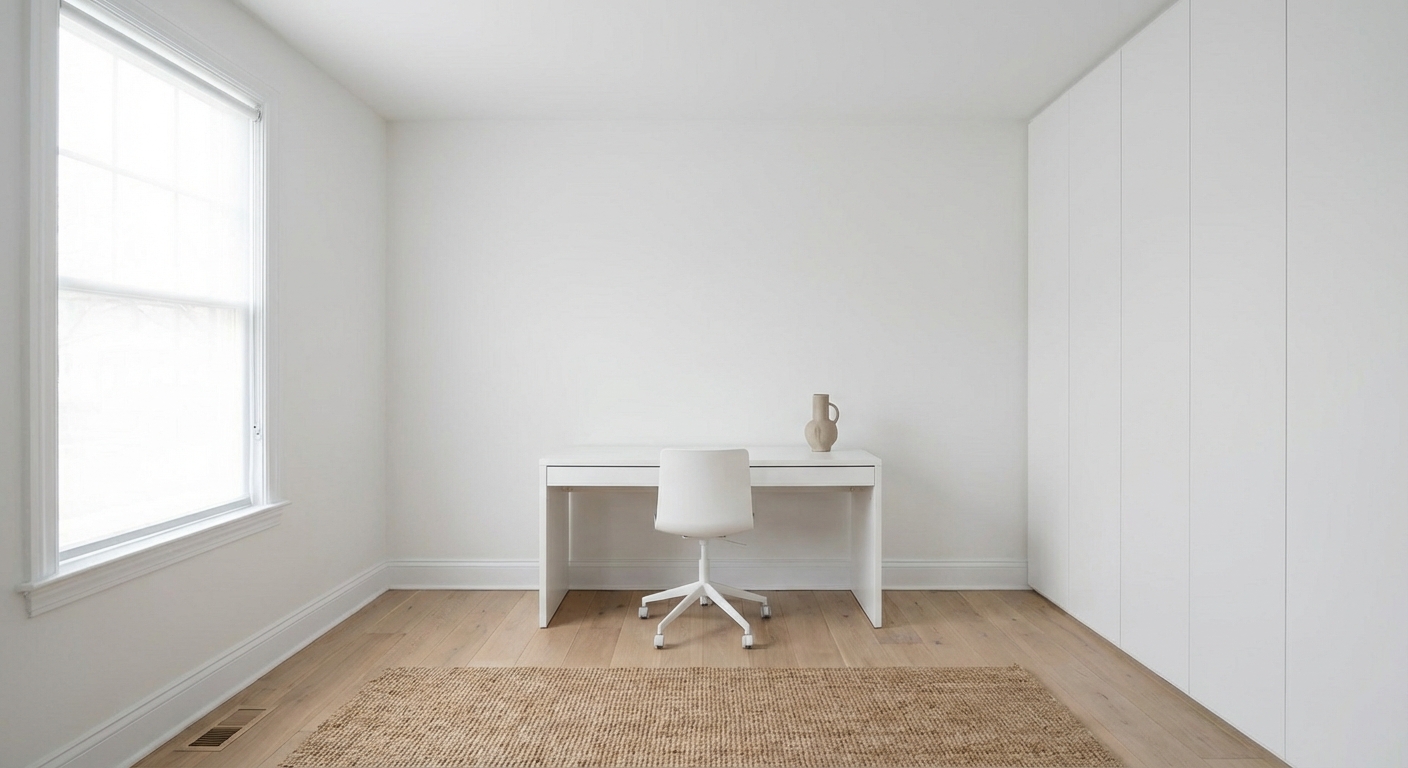
See the Transformation
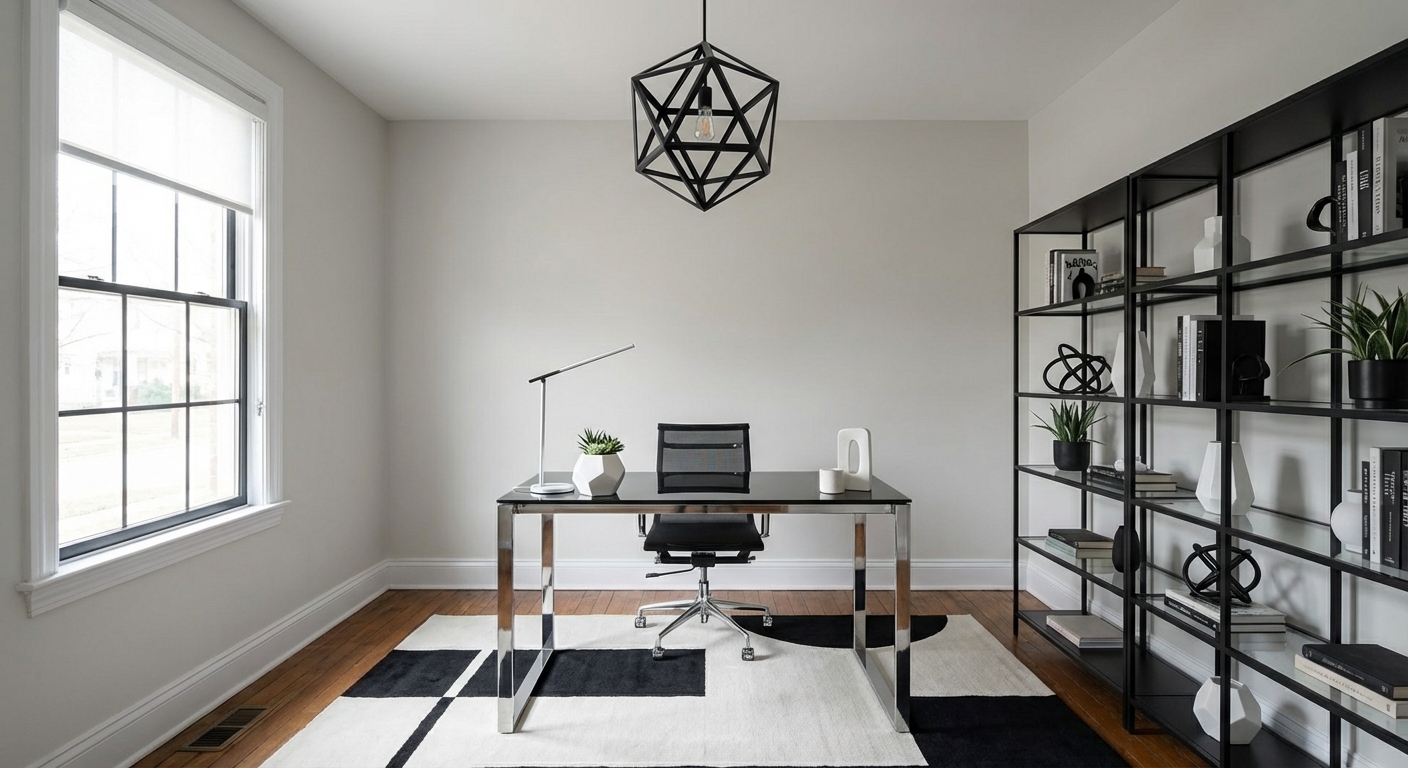
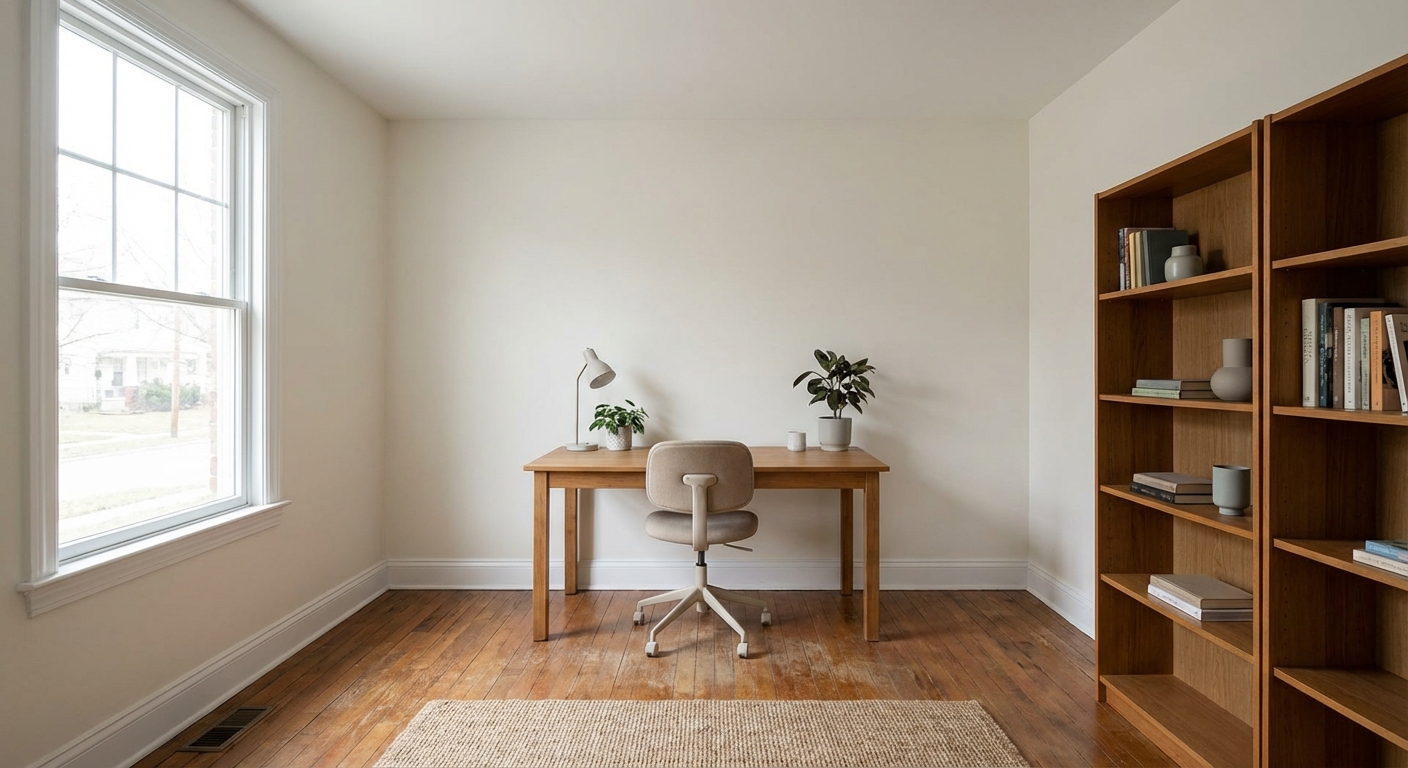
Upload your room photo in the app to see your real transformation
Color Palette
Click any color to copy hex code
Why It Works
Most home offices evolved from temporary pandemic setups into permanent spaces without intentional design. Common problems include: a desk facing the wall (creating a claustrophobic feeling during long work hours), inadequate lighting that causes eye strain, a chaotic backdrop visible in video calls, cable management that never happened, and an ergonomic chair that sacrifices aesthetics entirely. Research shows that workspace aesthetics directly correlate with productivity and job satisfaction. A home office makeover addresses both function and beauty, because you deserve both during the eight-plus hours you spend there daily.
Best for
- people ready to test options on a real photo before buying
- anyone planning a real home office where camera background, desk depth, and cable discipline matter more than Pinterest perfection
- projects already thinking about desk, lighting, paint and needing a coherent layout
Skip if
- you will not address camera background and only want a filter look
- you need the room finished tomorrow with zero test fits
Common mistakes
People pin home home office ideas and then shopping object-by-object with no envelope decision. Details like desk, lighting, paint only work if the plan respects camera background, desk depth, and cable discipline. Another miss: a beautiful desk with the router spaghetti in every video call.
Decide this first
frame what the camera sees and plan power before furniture shopping. Lock a coherent material story instead of random catalog picks as a short list, then use Intero on a real photo so scale and light are honest before you spend.
How to Achieve This Look
- 1
Position the desk for optimal natural light and ergonomics
- 2
Invest in a proper ergonomic chair — this is not where to save money
- 3
Install task lighting with adjustable color temperature
- 4
Add shelving and closed storage to eliminate desk clutter
- 5
Route all cables through management systems under the desk
- 6
Style the wall behind you as a video call backdrop
Layout & materials
Reposition the desk first — facing a window or the room (not a blank wall) reduces fatigue and improves mood. Manage cables with under-desk trays, cord clips, or a cable management box. Replace overhead lighting with layered options: a quality desk lamp, ambient room lighting, and a monitor light bar to reduce eye strain. Add a bookshelf or open shelving behind you for a polished video call background — style it with books, a plant, and two or three curated objects. Introduce a warm color: paint the accent wall, add a warm-toned rug, or bring in a wooden desk. Upgrade your chair to something that is both ergonomic and aesthetically pleasing.
Position your desk perpendicular to the window rather than facing it — you get natural light without screen glare and a better video call backdrop.
Intero AI helps you reimagine your home office layout before moving any furniture. Upload a photo and test different desk positions, wall colors, and shelving arrangements. See how a simple desk repositioning or a warm accent wall changes the feel and function of your workspace.
Frequently Asked Questions
Q1 What makes a home office look professional on video calls?
A curated bookshelf or clean accent wall behind you, good lighting from the front (facing a window or using a ring light), and minimal visible clutter. Avoid backlit windows (you will appear as a silhouette) and busy backgrounds. A single plant and a few books create a polished, intentional backdrop.
Q2 How do I create a home office in a small space?
A wall-mounted floating desk uses zero floor space. A closet conversion (remove doors, add a desk shelf and lighting) creates a dedicated office that closes when not in use. Even a 36-inch-wide nook can function as a home office with the right compact desk and wall-mounted storage.
Q3 What is the best desk position for a home office?
Perpendicular to a window is ideal — you get natural light without screen glare. Facing the room (back to the wall) is psychologically comfortable and creates a good video call backdrop. Avoid facing a blank wall for long hours, which increases fatigue.
Related searches
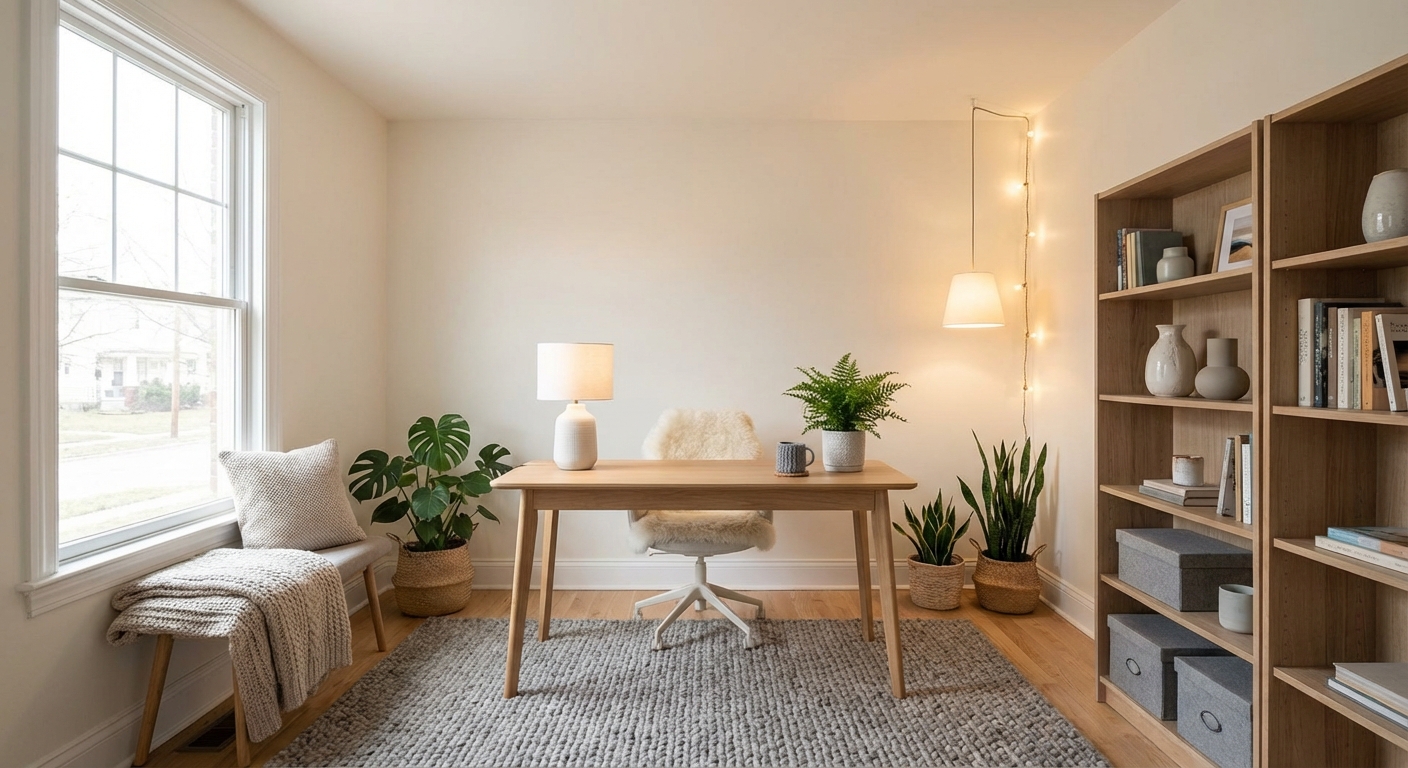
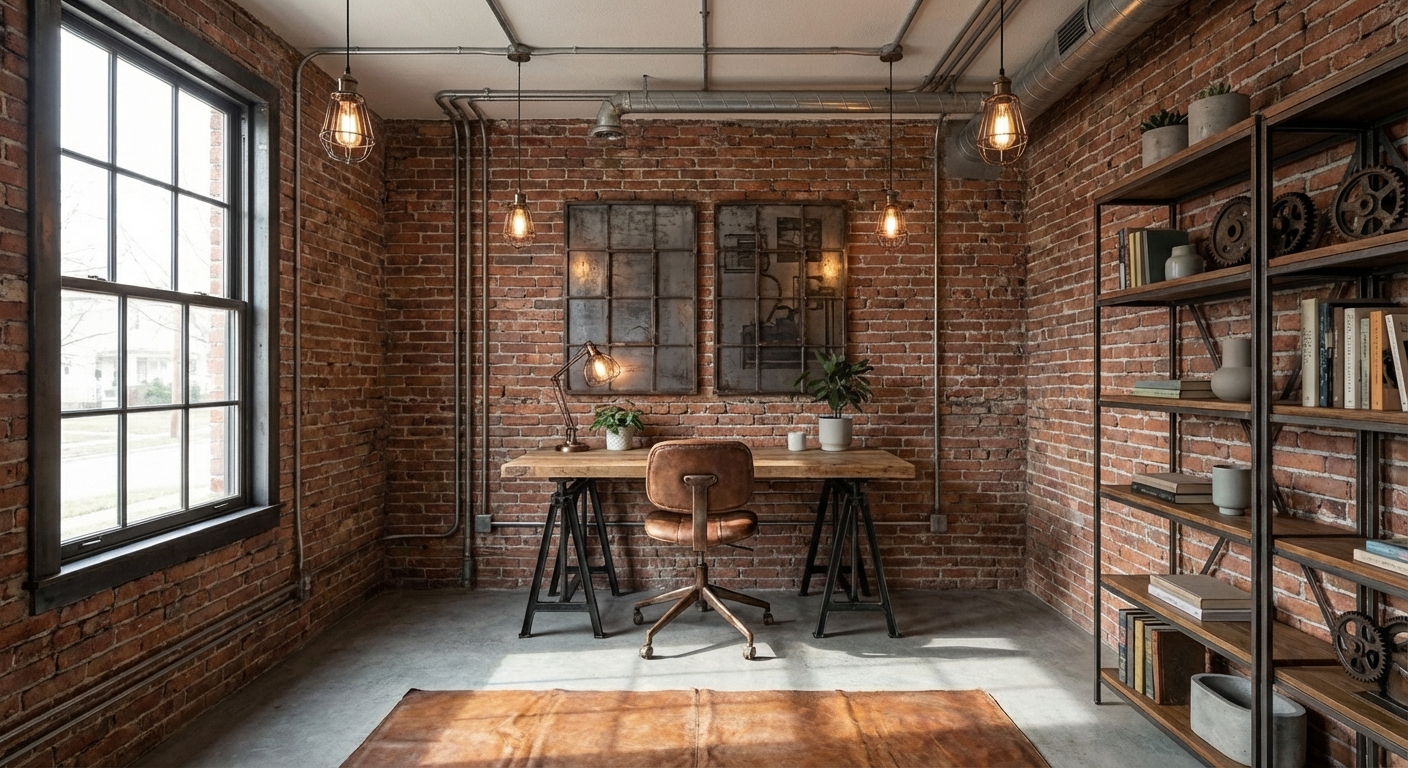
These are the next pages people usually open while narrowing this design direction.
Ready to See This Style in Your Room?
Download Intero and preview this design on your own room photo.
No credit card. No signup. Just results.
Scan to download
Point your phone camera at a code

