What is ホームオフィス模様替え?
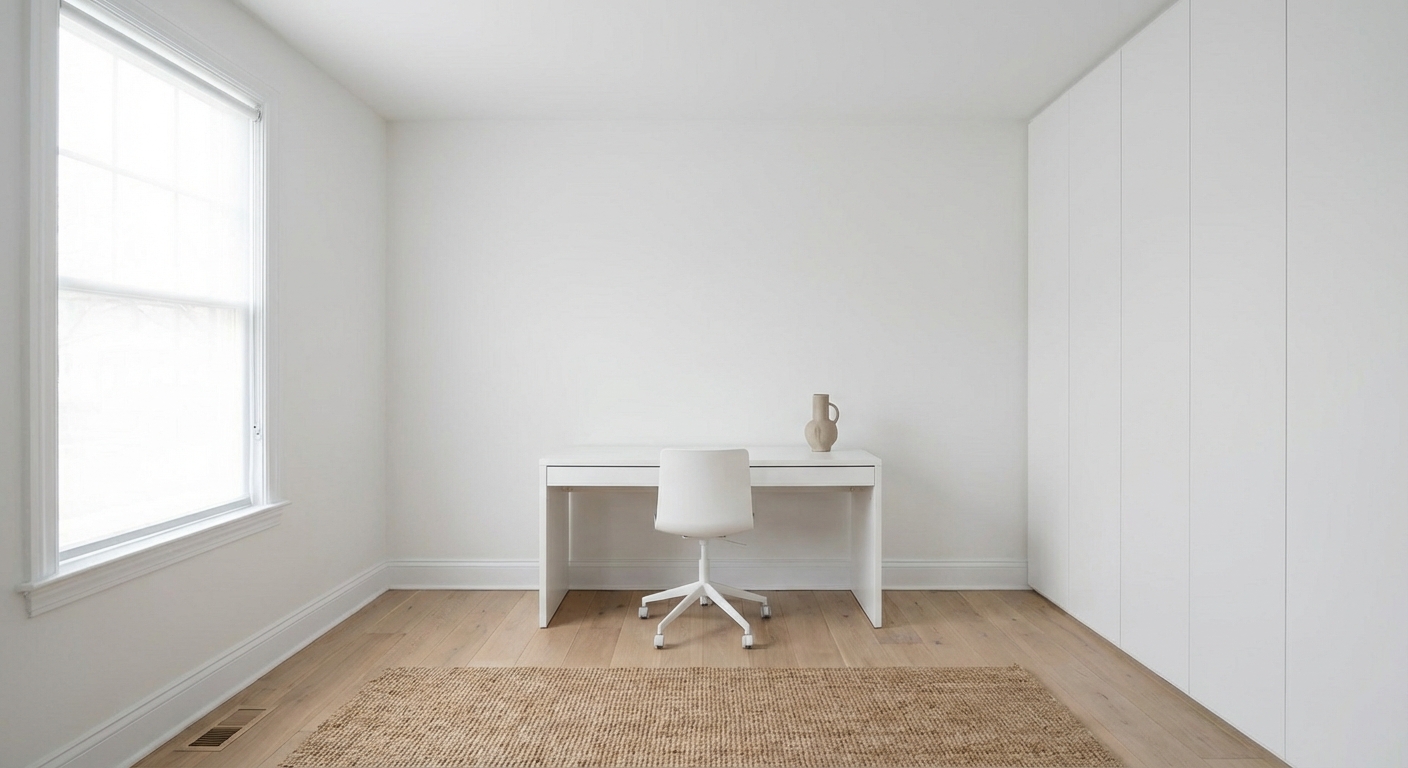
ホームオフィス模様替えの実践的なアイデアで空間を変身させましょう。始める前にAIで仕上がりをプレビュー。
2/4
変身を見る
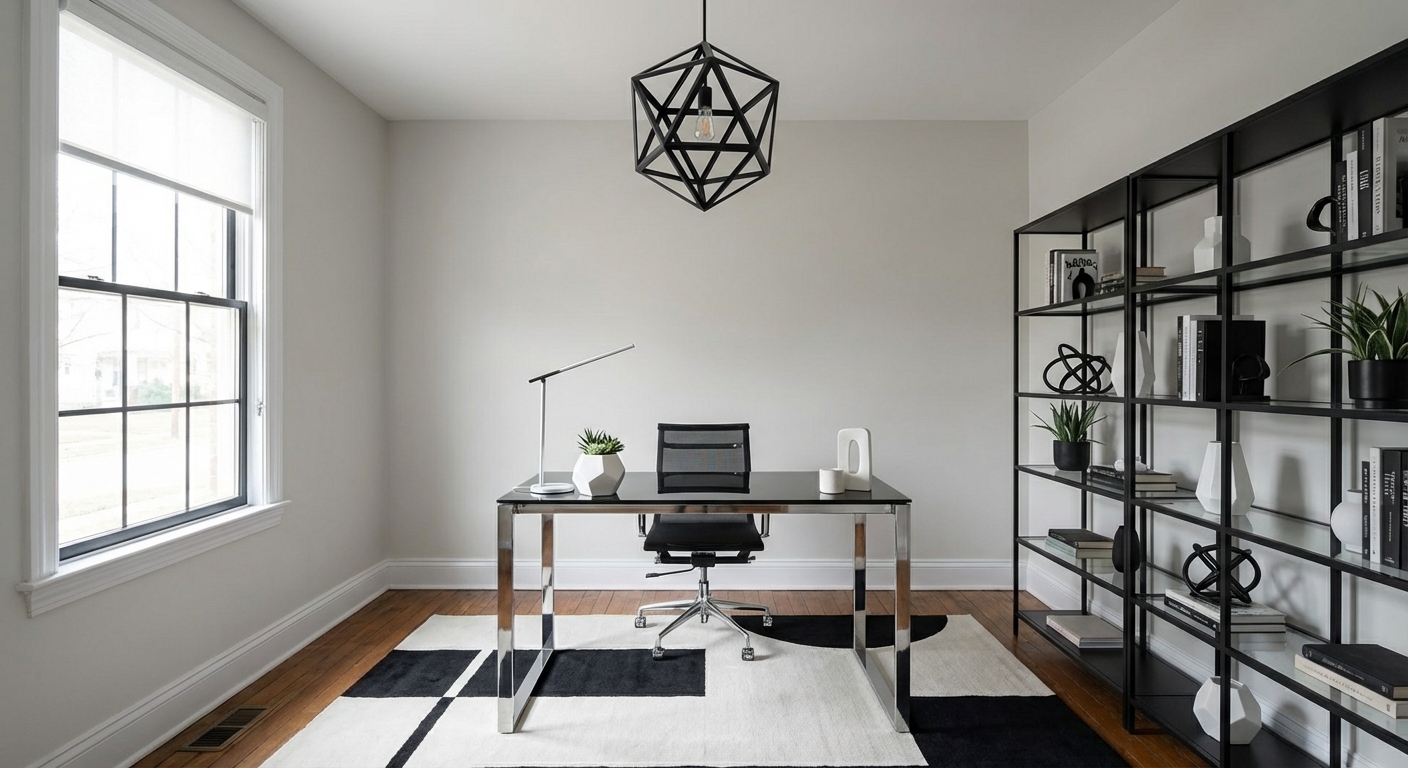
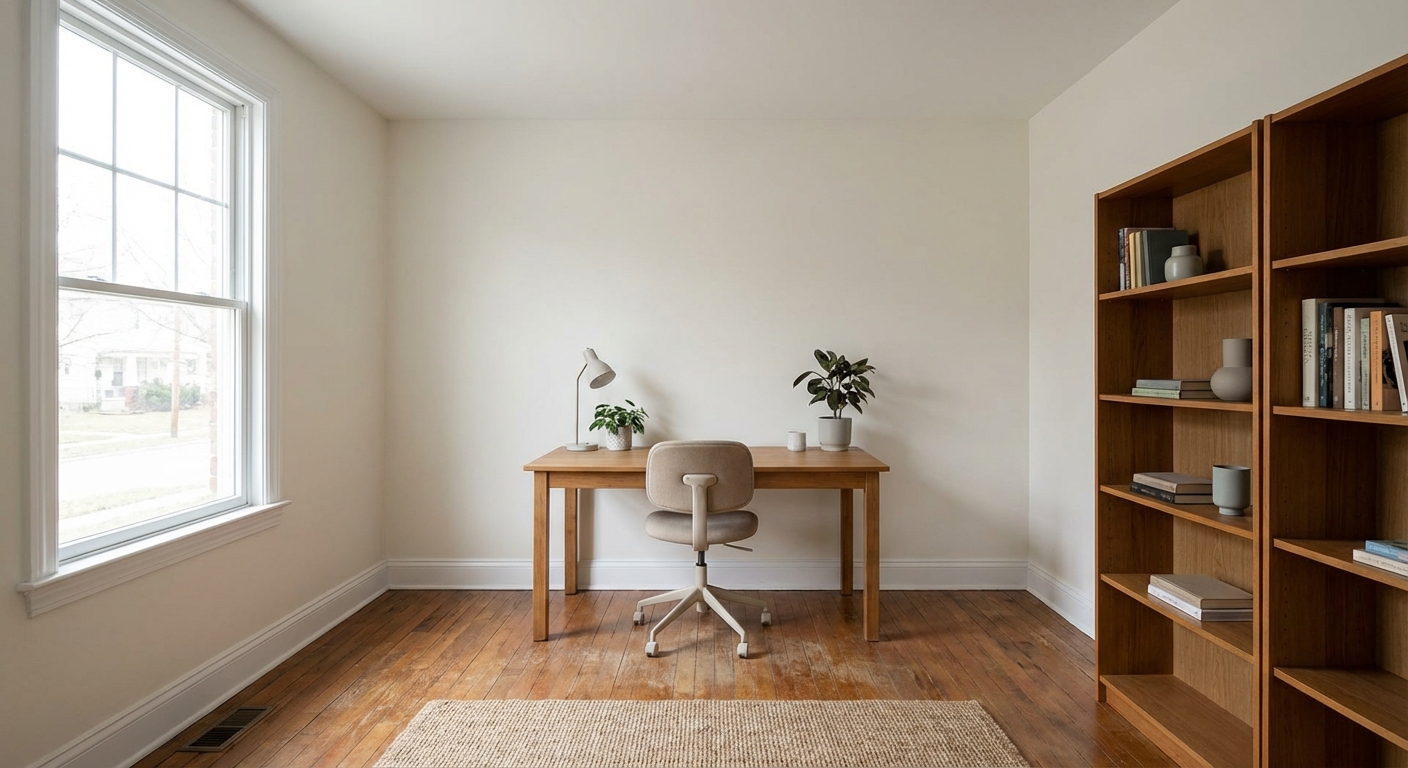
アプリで部屋の写真をアップロードして、実際の変身を確認しましょう
カラーパレット
色をタップするとHEXコードをコピーできます
なぜうまくいくのか
計画的なホームオフィス模様替えは、住まいの雰囲気を一変させます。リニューアルされた空間は日々の快適さと不動産価値を高めます。家具や塗料を購入する前に、明確なビジョンを持つことが成功の鍵です。
Best for
- people ready to test options on a real photo before buying
- anyone planning a real home office where camera background, desk depth, and cable discipline matter more than Pinterest perfection
- projects that will change layout and light, not only accessories
Skip if
- you will not address camera background and only want a filter look
- you need the room finished tomorrow with zero test fits
Common mistakes
People pin ホームオフィス模様替え home office ideas and then shopping object-by-object with no envelope decision. Respect camera background, desk depth, and cable discipline before finishes. Another miss: a beautiful desk with the router spaghetti in every video call.
Decide this first
frame what the camera sees and plan power before furniture shopping. Lock a coherent material story instead of random catalog picks as a short list, then use Intero on a real photo so scale and light are honest before you spend.
このスタイルを実現する方法
- 1
部屋のはっきりした写真をアップロードします。
- 2
決める前に近いスタイル方向をいくつか比べます。
- 3
購入や工事の判断に使えるよう、お気に入りの案を保存します。
Layout & materials
ホームオフィス模様替えを成功させるには、まず予算と優先順位を決めましょう。インスピレーションを探しつつ、実際の空間サイズに合わせてアイデアを調整。Interoで選択肢を可視化してから決断しましょう。
ビフォー写真は同じアングルから撮ると、AIの変身プレビューがより正確になります。
ホームオフィス模様替えの計画は、仕上がりが事前にわかると格段に楽になります。Interoなら写真一枚でお部屋のデザインを試せます。
よくある質問
Q1 ホームオフィス模様替えにはいくらかかりますか?
予算は規模によって異なります。戦略的なアップデートでも大きな変化を生み出せます。
Q2 ホームオフィス模様替えは何から始めればいいですか?
お部屋の写真をInteroにアップロードして、さまざまなデザインの方向性を探りましょう。
Q3 デザイナーなしでもできますか?
はい — Interoなら、変更を加える前に変身プランを可視化して計画できます。
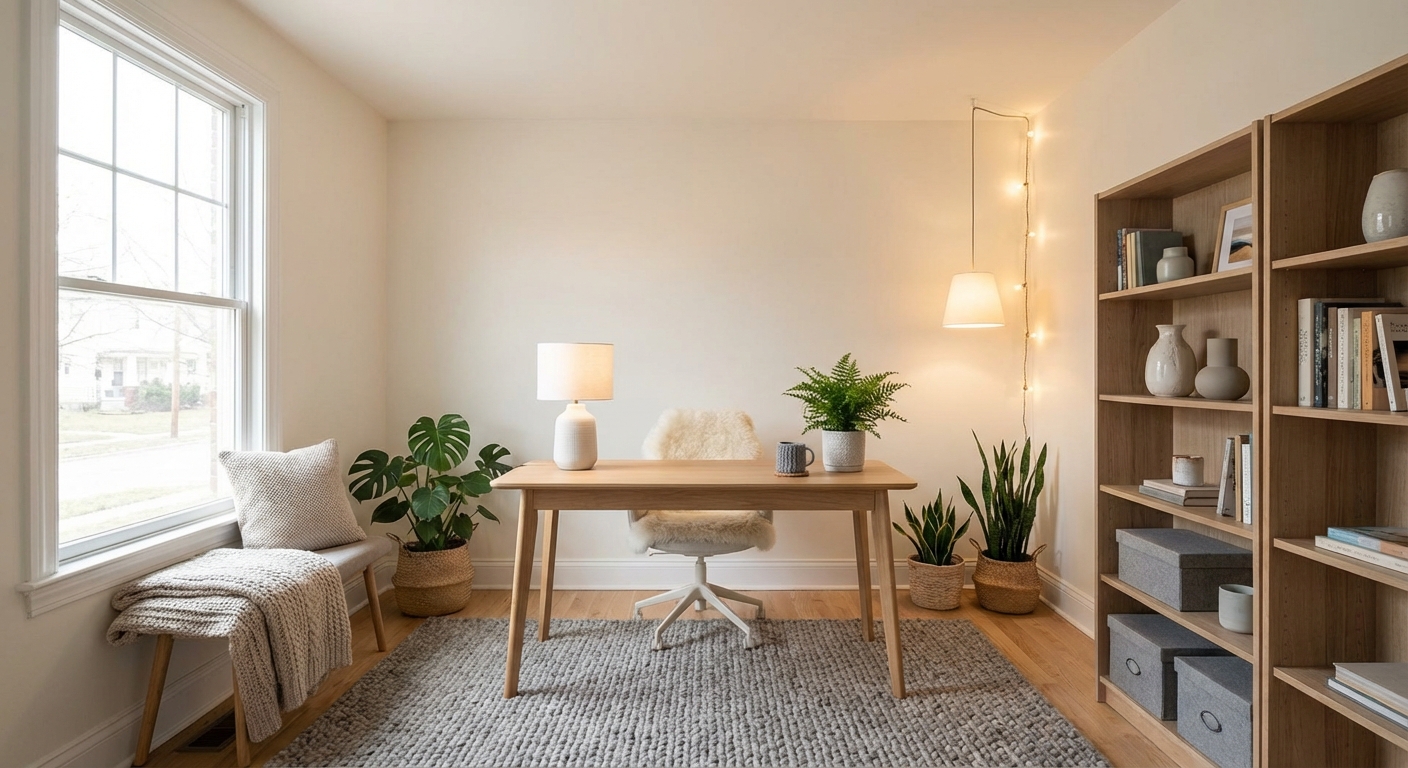
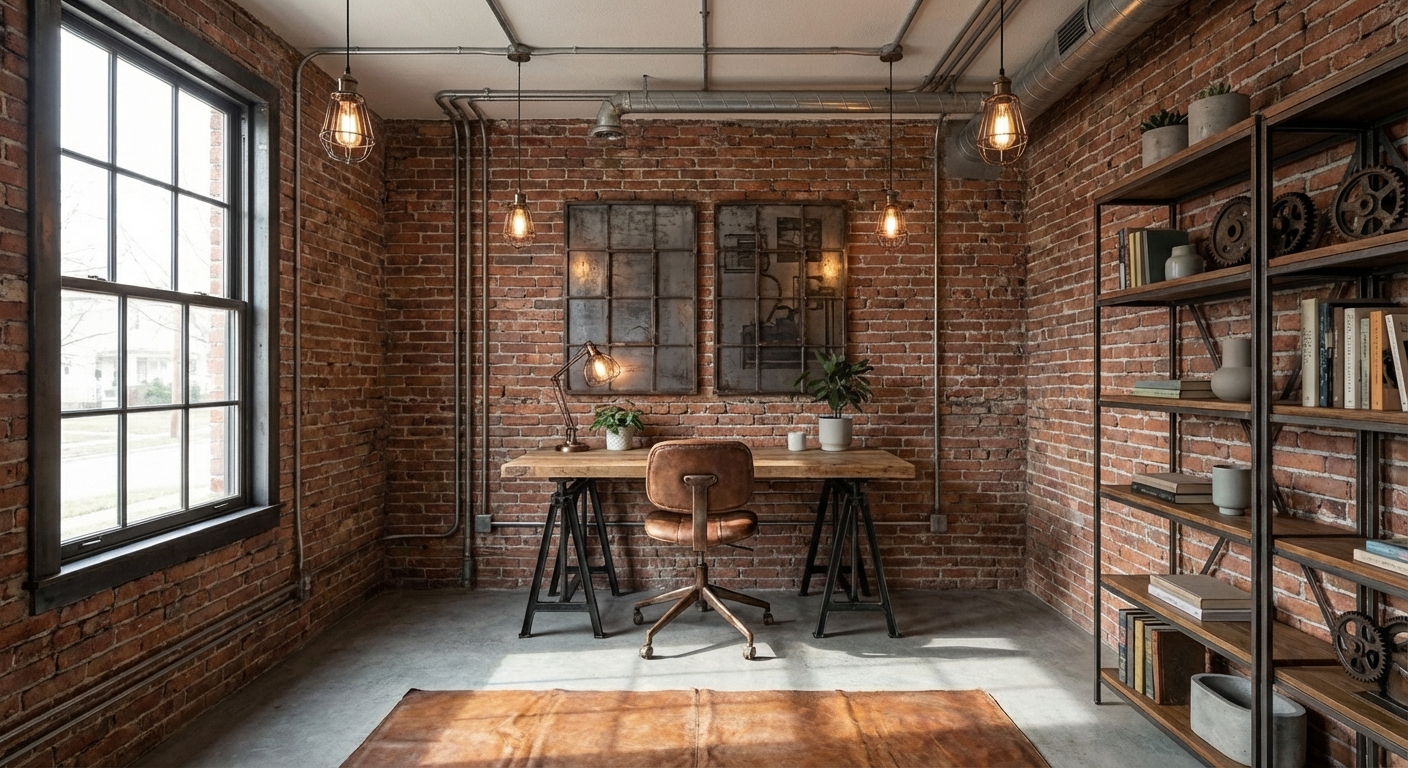
このスタイルを自分の部屋で見てみませんか?
Interoをダウンロードして、自分の部屋の写真でこのデザインをプレビューできます。
カード不要。登録不要。結果だけ。
スキャンしてダウンロード
スマホのカメラでコードを読み取ってください

