Spare Bedroom to Home Office — Build a Workspace That Boosts Productivity
Working from the dining table or a bedroom corner is not sustainable. A dedicated home office in your spare room changes how you work — and how you stop working.
What is Spare Bedroom to Home Office Conversion?
Working from the dining table or a bedroom corner is not sustainable. A dedicated home office in your spare room changes how you work — and how you stop working.
See the Transformation
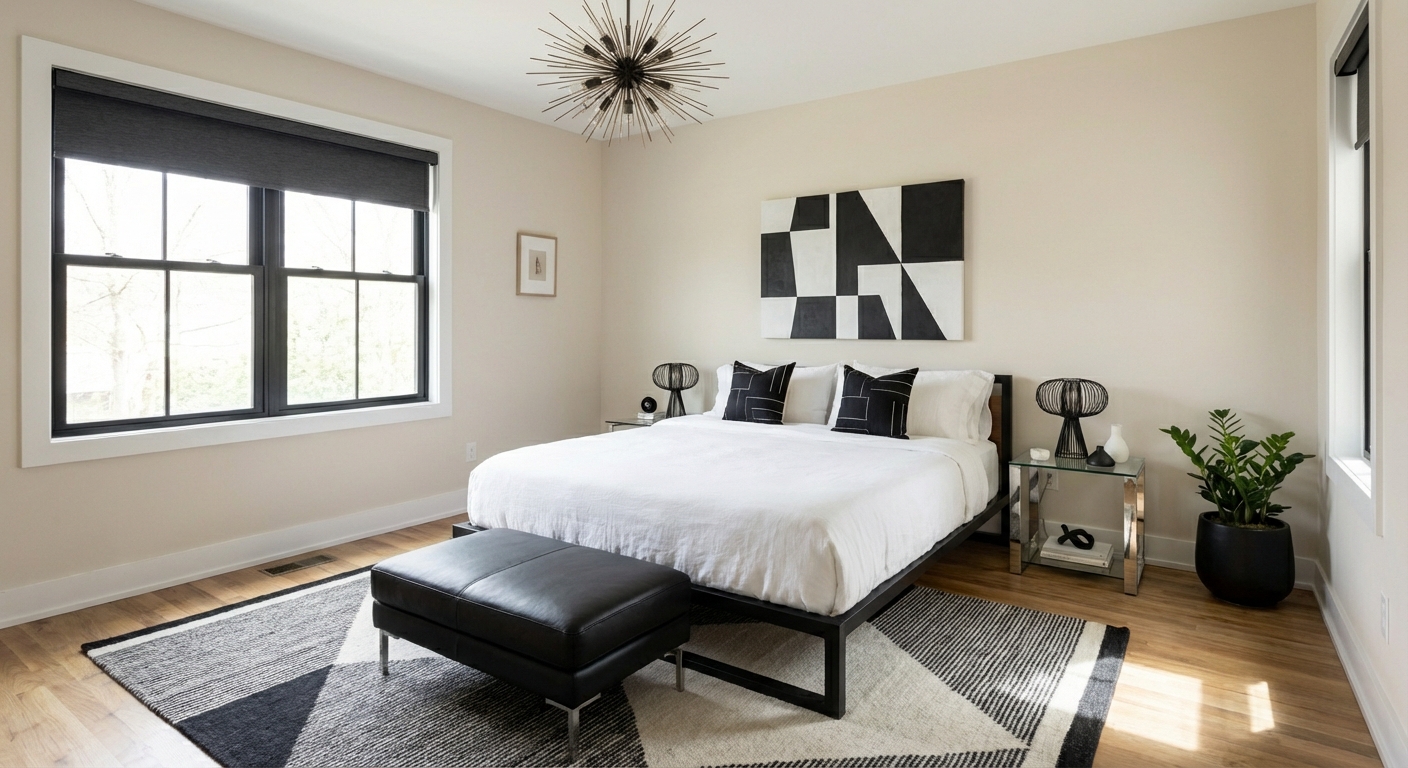
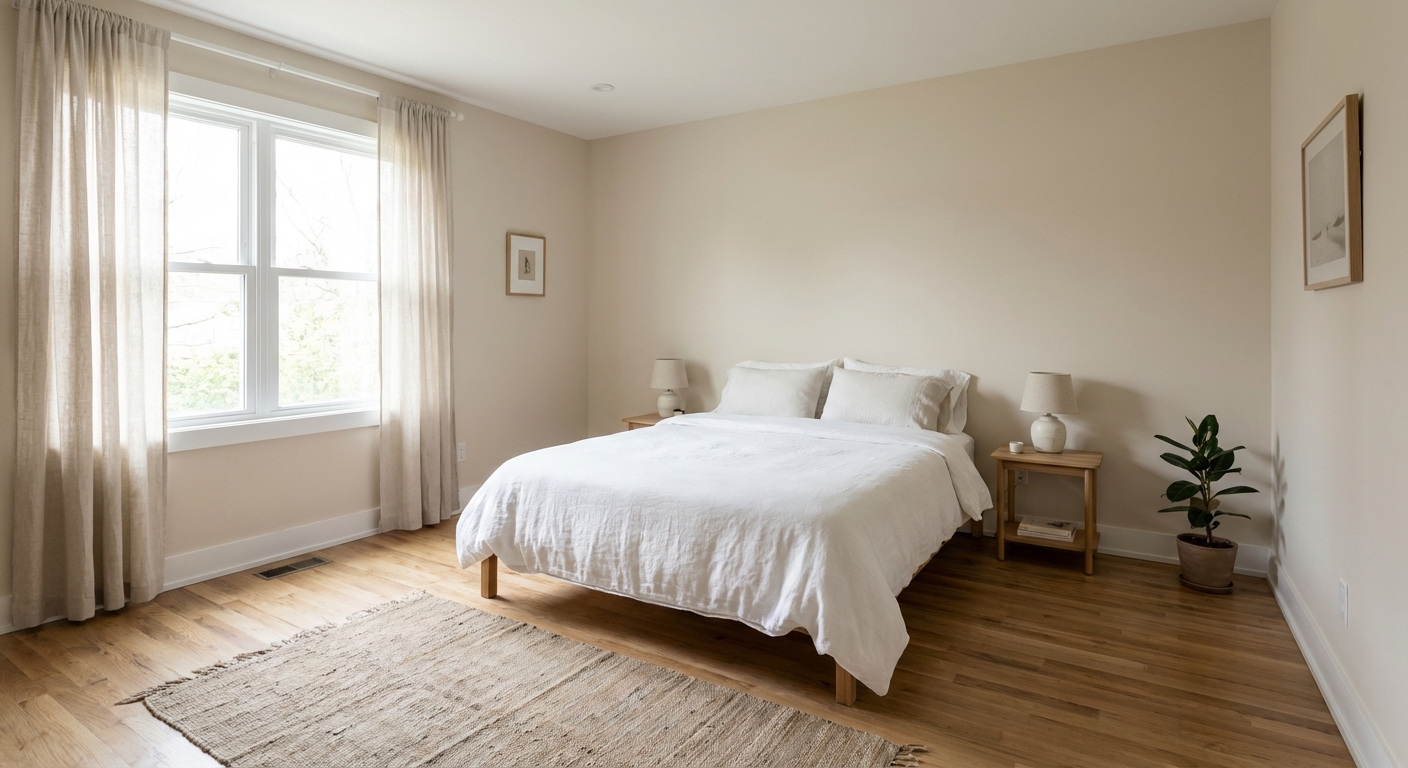
Upload your room photo in the app to see your real transformation
Why It Works
Remote workers who use a dedicated office room report significantly higher productivity and lower burnout than those who work from multi-use spaces. The psychological mechanism is simple: a room devoted to work creates a mental boundary between professional and personal life. You commute to the office (walk through the door), you commute home (close the door). This boundary is impossible when your desk shares space with your bed or dining table. The spare bedroom conversion also provides the practical requirements of professional work: a proper desk surface, ergonomic seating, adequate storage, controlled lighting for video calls, and acoustic privacy for phone calls.
Best for
- people ready to test options on a real photo before buying
- anyone planning a real bedroom where bed as the calm center, storage that closes, and light you can dim matter more than Pinterest perfection
- projects already thinking about desk, bed, lighting and needing a coherent layout
Skip if
- you will not address bed as the calm center and only want a filter look
- you need the room finished tomorrow with zero test fits
Common mistakes
People pin spare bedroom ideas and then shopping object-by-object with no envelope decision. Details like desk, bed, lighting only work if the plan respects bed as the calm center, storage that closes, and light you can dim. Another miss: office clutter and laundry visible from the pillow.
Decide this first
hide storage and pick bedside light height before wall color arguments. Lock a coherent material story instead of random catalog picks as a short list, then use Intero on a real photo so scale and light are honest before you spend.
How to Achieve This Look
Position the desk facing or perpendicular to the window for natural light on your work surface without screen glare. Behind you (the video call backdrop) should be a styled bookshelf, clean wall art, or a simple neutral wall — not a bed or closet. Invest in an ergonomic chair (the single most important purchase for daily office work). Add a monitor arm or laptop stand to raise the screen to eye level. Install task lighting (a desk lamp) and ambient lighting (a floor lamp or wall sconces) separately so you can adjust for video calls versus focused work. Repurpose the closet as storage: shelves for supplies, a printer station, and file storage. If the room occasionally hosts guests, add a high-quality sleeper sofa or Murphy bed that disappears during work hours.
Intero AI lets you preview the bedroom-to-office conversion — desk placement, video call backdrop, and storage configuration — in your specific room. See how different layouts balance productive work during the day with optional guest hosting.
Frequently Asked Questions
Q1 Where should I place the desk in a home office?
Facing or perpendicular to the window, not with your back to it. Screen glare from a window behind the monitor makes work uncomfortable, and a window behind you creates a silhouette on video calls. Side lighting is optimal — natural light from the left if right-handed, from the right if left-handed.
Q2 What is the best video call backdrop?
A styled bookshelf is the gold standard — it is professional, visually interesting, and creates depth. A clean wall with one piece of art and a plant is a simpler option. Avoid doors, windows with backlight, beds, and cluttered surfaces. Test the angle on camera before committing to the desk position.
Q3 Can a home office still function as a guest room?
Yes — a Murphy bed or high-quality sleeper sofa allows the room to convert for guests. Keep guest bedding in the closet. The key is that the office function dominates the design (it is used daily) and the guest function is invisible until needed (used occasionally).
Related searches
These are the next pages people usually open while narrowing this design direction.
You Might Also Like
Ready to See This Style in Your Room?
Download Intero and preview this design on your own room photo.
No credit card. No signup. Just results.
Scan to download
Point your phone camera at a code

